English
Set Up Procedure / Maintenance
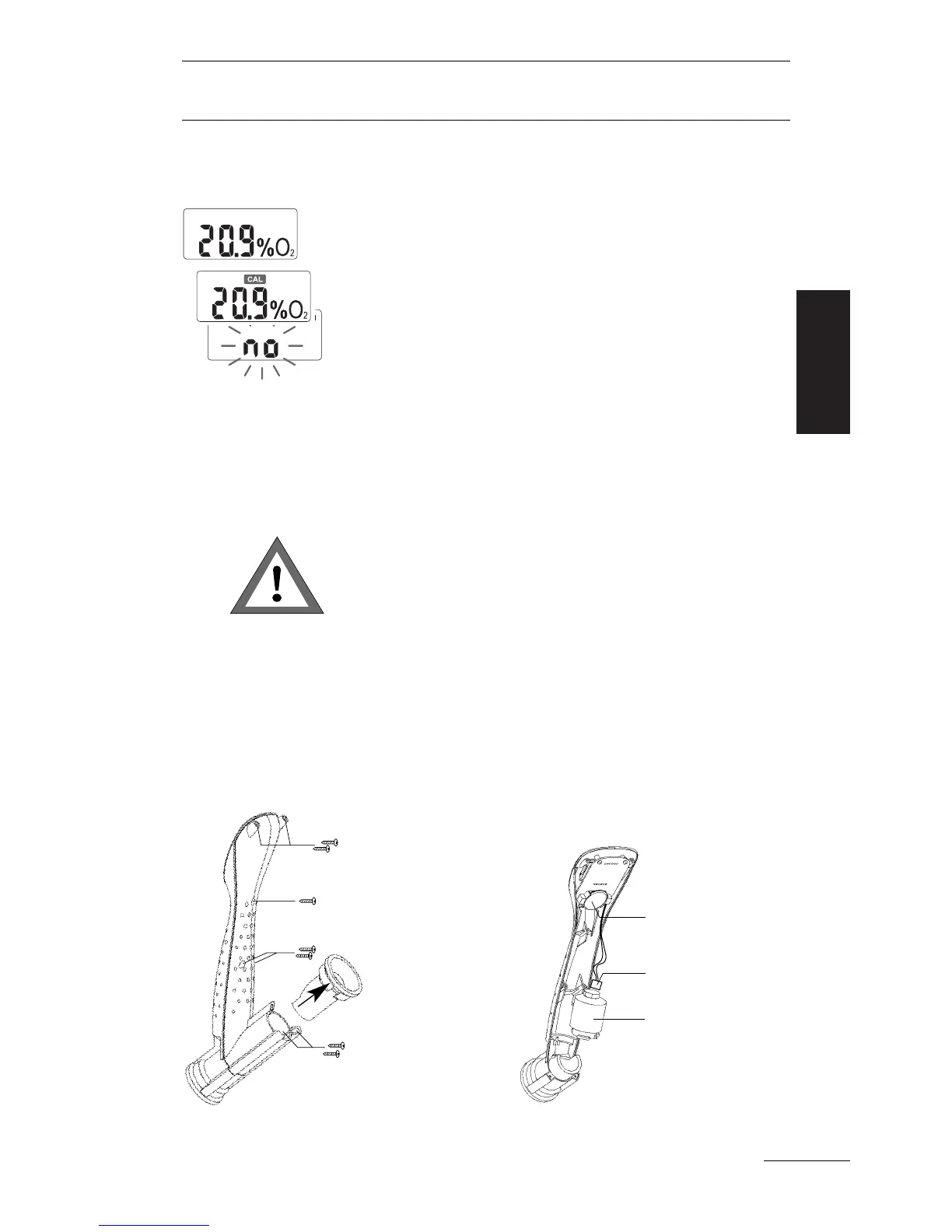
After a short push on the button, the OxySpy will
display the measured
O
2
percentage. If need be,
the unit indicates that it requires calibration or
indicates that no
O
2
sensor is connected.
The OxySpy switches off automatically, at the
latest 30 minutes after switching on. The unit
cannot be switched off manually.
• Open the OxySpy only in a clean and dry area
away from water, dust and other contaminants.
It prevents soiling and damage to the electro-
nics and the mounting ring.
• Open the OxySpy only if the battery or the
O
2
sensor must be replaced.
• Do not touch the electronics.
1. Pull the rear rubber ring off the housing.
2. Remove the 7 screws with the enclosed scr-
ewdriver and separate the two parts of the hou-
sing.
Switching
on and off
7
Opening
the Oxy-
Spy
Battery
O
2
Sensor
Plug



 To Next Page