Service Indications / Trouble Shooting
16
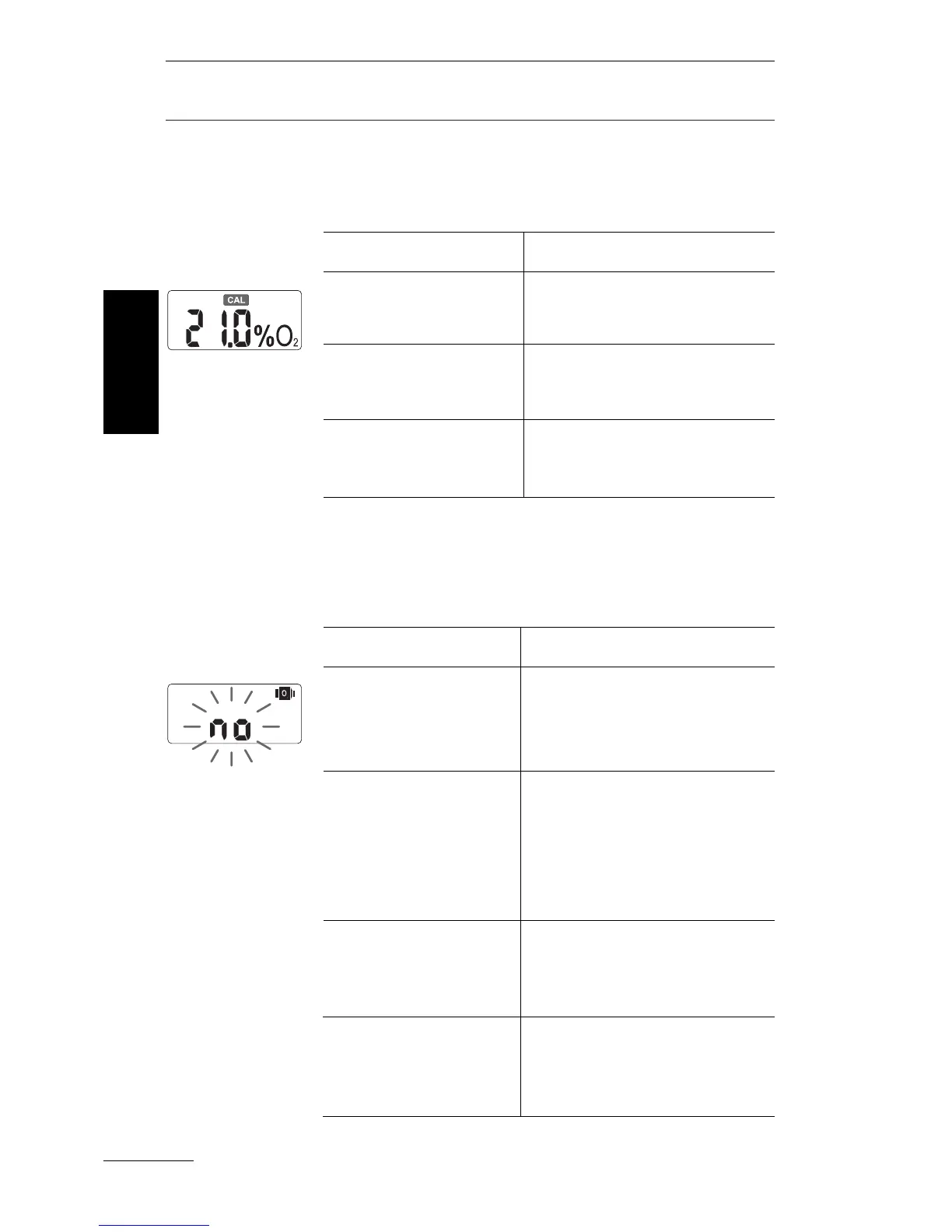
If the CAL symbol appears, the OxySpy has to
be calibrated. The displayed
O
2
% value could be
wrong.
If the OxySpy does not "see" an
O
2
sensor, the
display shows "no" and the
O
2
sensor symbol.
The CAL
symbol is
displayed
English
Possible reasons:
New battery has
been installed.
New
O
2
sensor has
been installed.
Calibration was not
successful.
How to solve:
Calibrate the OxySpy.
See page 11
Calibrate the OxySpy.
See page 11
Calibrate the OxySpy.
See page 11
Possible reasons:
No
O
2
sensor
connected
Water in the
housing
Plug or wire defect
Electronic defect.
How to solve:
Install an O
2
sensor and
plug in. See
"
Fitting the O
2
sensor
"
, page 8.
Remove the battery and
the
O
2
sensor. Dry the
case with a towel and
warm air (max. 50 °C /
122 °F).
Take the OxySpy to the
store that it was purchased
from.
Take the OxySpy to the
store that it was purcha-
sed from.
The O
2
sensor not
connected



 To Next Page