OPERATING INSTRUCTIONS
SMARTRAC | OPERATOR’S MANUAL REV. 0 | 4/06/2018 14
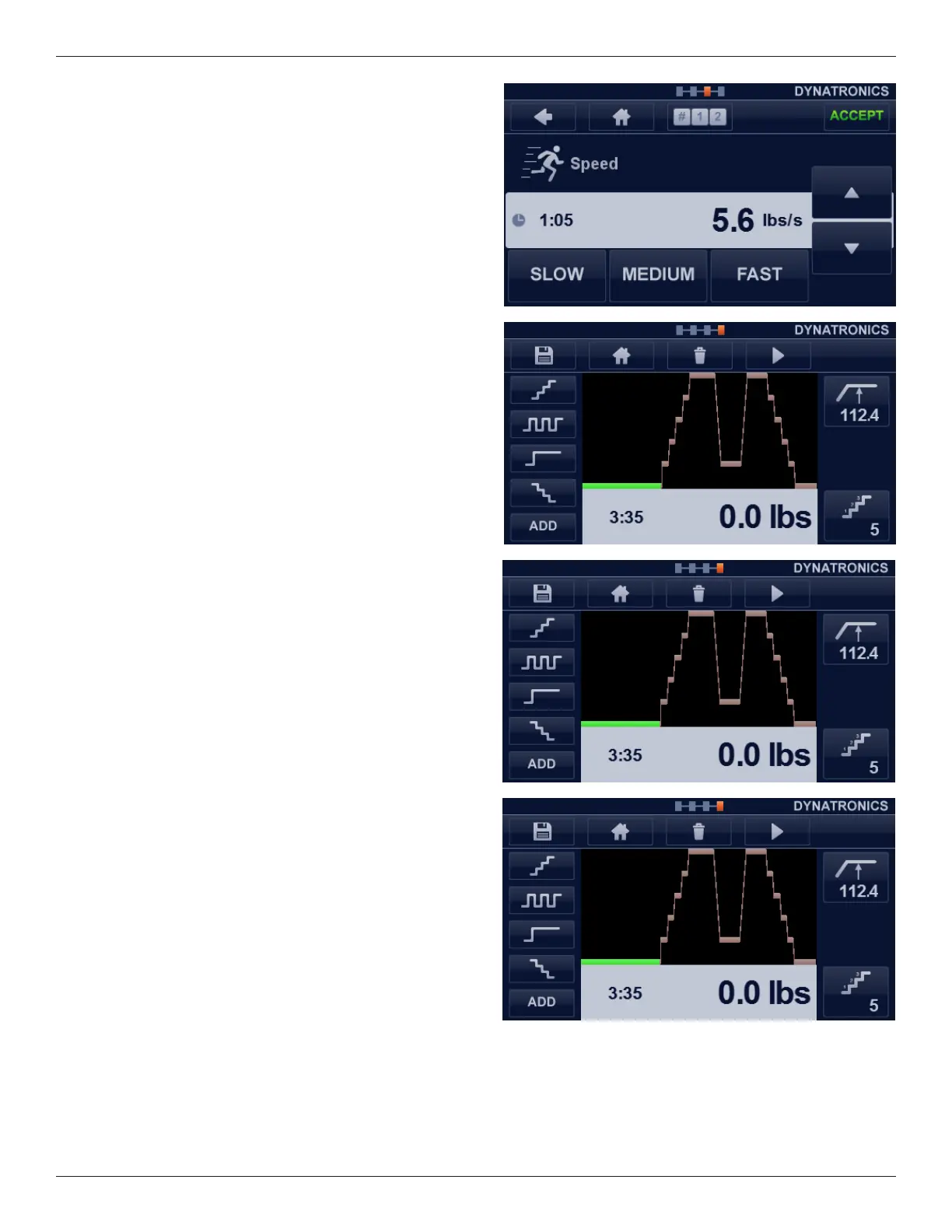
Speed
e speed with which the tractive power changes can be set
very accurately using the arrow keys. Moreover, you can use
the three pictograms at the bottom of the screen: S L OW,
MEDIUM, AND FAST.
When all required parameters have been set, you will arrive
at the treatment screen.
Treatment Screen
Screen Layout
At the right-hand side of the treatment screen you will be
able to quickly view the main parameter settings. In the
middle of the screen the treatment setting will be depicted
in a diagram.
On the le-hand side of the screen you see a symbol for the
therapy form setting. In the case of a sequential program,
you will nd the sequence of the programmed forms of
therapy from top to bottom.
Adjusting Parameters
You can adjust the parameters by pressing the relevant
button on the right-hand side of the screen and using the
arrow keys in the next screen. Conrm using the ACCEPT
button on the navigation bar.








 To Next Page