OPERATING INSTRUCTIONS
SMARTRAC | OPERATOR’S MANUAL REV. 0 | 4/06/2018 18
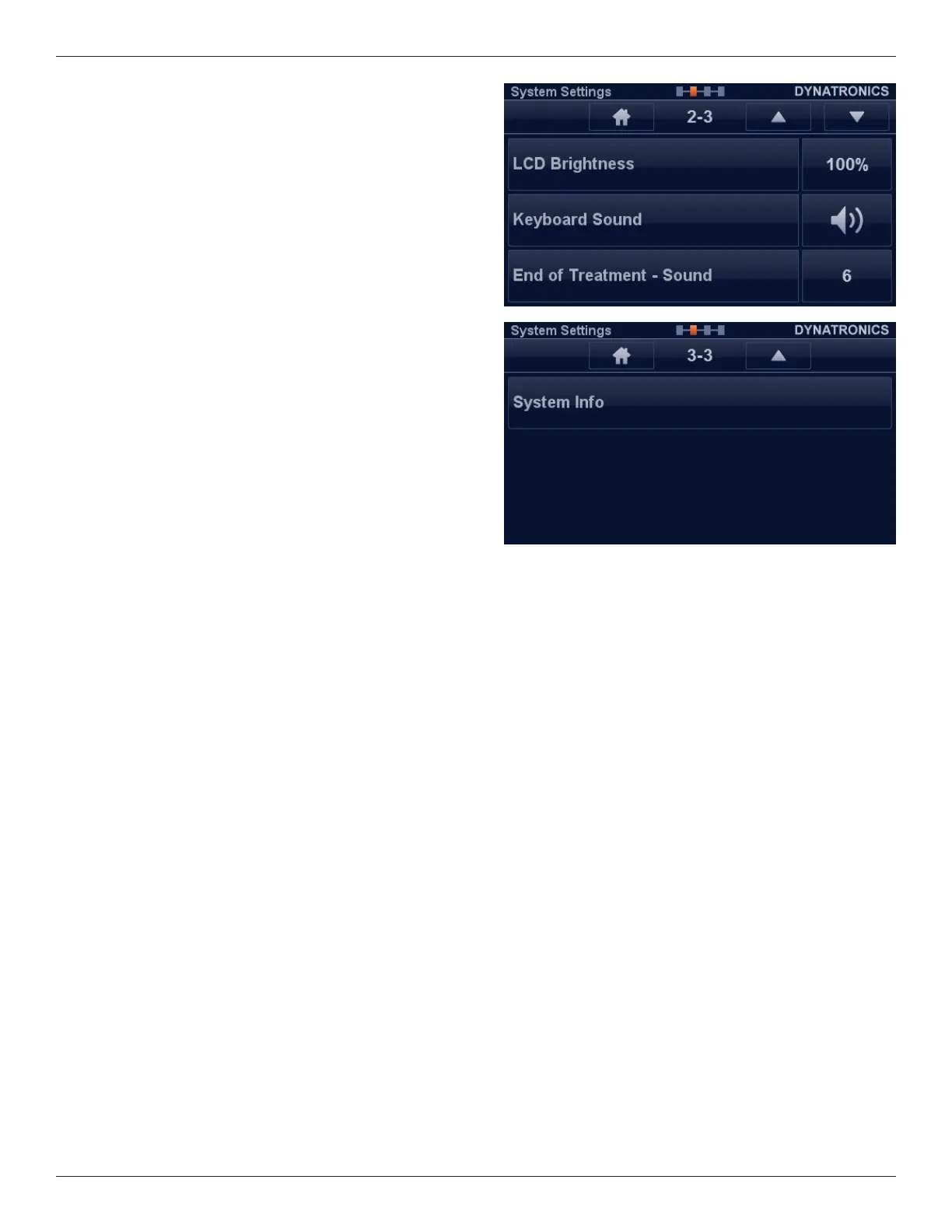
Screen 2-3:
LCD Brightness: Button to select the brightness of the
backlight.
Keyboard Sound: Button to turn on or o a keyboard press
sound.
End of Treatment – Sound: Button to select a number of
sounds.
Screen 3-3:
System Info: Press this button to show current version and
other system information. is information can help your
service engineer by providing important information.
Shutting Device Down
Turn OFF the device with the Power Switch located on the
back of the console (#4).








 To Next Page