1312
Connections
and control
elements
Scope of
delivery
This section describes the connections and control elements. Please contact your
Dynaudio Xeo distributor if you have any problems with connection and start-up.
Distributor addresses can be found on the Internet at dynaudio.com.
Elements on the rear panel
The Xeo 10/20/30 set consists of a master and a slave unit. The master unit carries the
audio input interfaces.
Service Mains socket
Aux In Line In
R L
1
Optical In
2 3 4
Left
Right
Neutral
Wall
Corner
Red
Green
Blue
Speaker
Position
Zone
II (master unit only)
I
VOLUME
DIRECT
MUTE ON OFF
HUB
1
2
3
4
Line
Line
Opt
Opt
Aux
Coax
USB
A
B
C
1
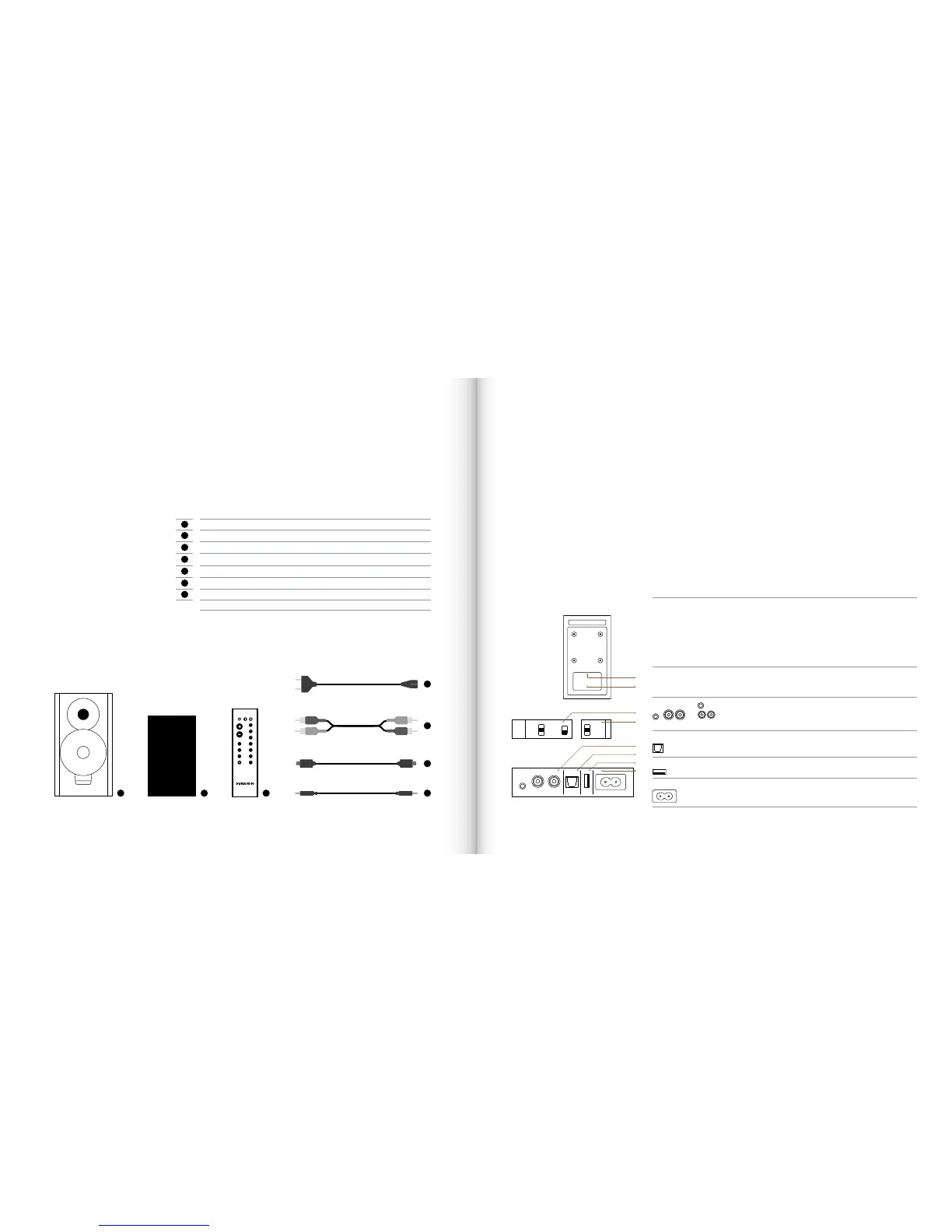
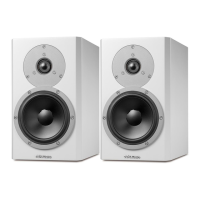
2 Xeo 10/20/30 speakers
2
2 Xeo 10/20/30 speaker cloth covers
3
1 Xeo 10/20/30 remote control
4
2 power cables (country-specic version, length: 2.5 m)
5
1 stereo cable (RCA – RCA, length: 1.5 m) (Xeo 10 only)
6
1 optical cable (Toslink – Toslink, length: 1.5 m) (Xeo 10 only)
7
1 stereo cable mini jack (3.5 mm – 3.5 mm, length: 1.5 m) (Xeo 10 only)
1 Xeo rst time setup manual (quick guide for installation, not shown)
1 2 3 7
6
5
4
A
D
C
E
B
I
II
F
A:
Speaker
position
Sound adjustment (depending on the position of the speakers)
• Neutral = with free-standing placement
• Wall = if placed near a wall
• Corner = if placed in a corner
Speaker placement
• Left = left speaker for stereo mode
• Right = right speaker for stereo mode
B:
Speaker
ID/Zone
Selection of audio zones: Speakers assigned to different zones can be
controlled separately via the remote control. The zones are identied as Red,
Green, and Blue.
C:
Aux In: To connect an analog audio source to the speaker via mini jack.
Line In
To connect an analog audio source to the speaker via RCA.
D:
Optical In (Toslink):To connect a digital audio source to the speaker.
E:
USB In
For rmware update only.
F:
Mains socket
To connect the speaker to the mains voltage.
Scope of delivery / Connections and control elements



 To Next Page