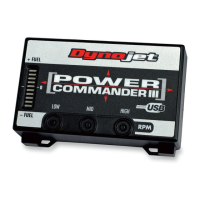
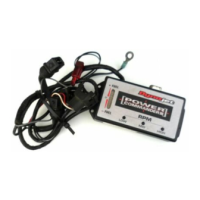
1 Remove the main seat and the
passenger seat / solo cover.
2 Lift the front of the fuel tank up.
3 Locate the connectors shown in
Fig. A. These connectors are
located behind the throttle bod-
ies on the left hand side of the
bike.
4 Unplug the two connectors
shown in Fig. A.
5 Plug the fuel connectors from
the PCIII (clear connectors) in-
line of the stock wiring harness
(Fig. B).
6 Plug the TPS connectors from
the PCIII (white connectors) in-
line of the stock wiring harness
(Fig. C).
Fig. AFig. B
Fig. C
i405-411 www.powercommander.com 2002-2003 Yamaha YZF R1 - PCIII USB - 2
Unplug these connectors
PCIII connector
Stock connector
PCIII connector
Stock connector


 To Next Page
 Loading...