EMS Monitoring Functions
6-4 EMS-D10 Pilot’s User Guide
problems before they cause costly damage or result in a flight emergency. You have two options for logging engine data.
You may configure the EMS-D10 to store data to its internal memory for later retrieval or you may record the streaming
serial output to an external data logger in real-time. The former option is has the advantage that it does not require a
laptop or other data logging device in the aircraft while recording. Additionally, the internal storage logs alarm events,
while the real-time output does not.
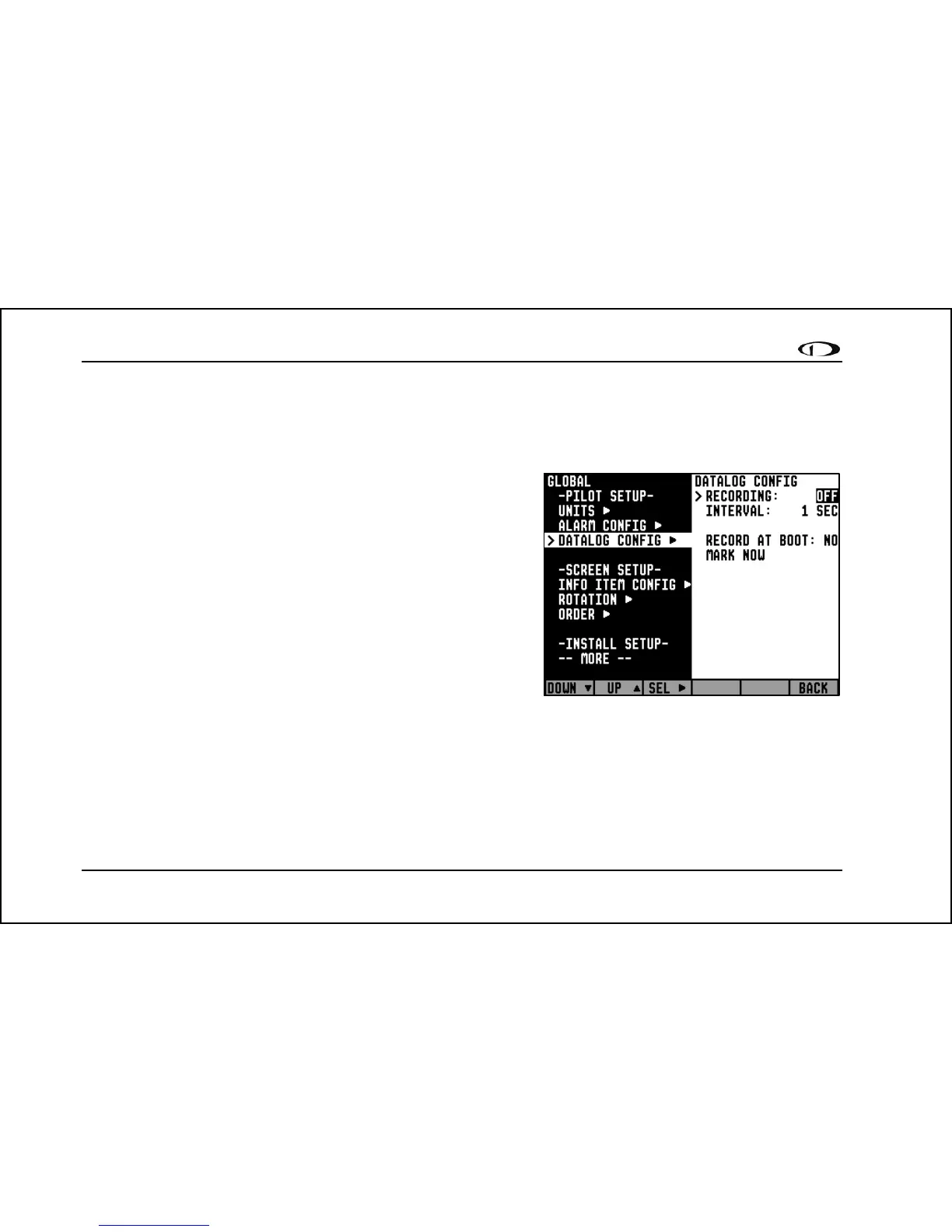
To initiate internal data logging, enter the EMS > SETUP > GLOBAL
> DATALOG CONFIG menu and set RECORDING to ON. Set the
INTERVAL depending on how frequently you wish data to be stored.
Data can be stored at 1-, 10-, 30-, and 60-second intervals. Leaving the
RECORD AT BOOT option set to NO causes the RECORDING
option to be reset to OFF every time power to the EMS-D10 is cycled.
Setting it to YES ensures that the EMS-D10 begins logging data
automatically at boot up. If you wish to mark the data log at any point,
select the MARK NOW function and press SEL►. This inserts a
notation in the data log retrieved by your PC, allowing you to quickly
find the place in your data when you marked the record. For
information about retrieving data and reading the file produced, please
see the help file included in the Dynon Product Support Program
(version 3.0 and higher). Note that the internal data log only includes data for the engine monitor portion of the EMS-
D10. EFIS data is not logged.
The EMS-D10 has a limited amount of internal storage for the data log. With a 1-second recording interval set, there is at
least a half-hour of data storage; with a 10-second interval, at least 5 hours; with a 30-second interval, at least 20 hours,
and with a 60-second interval, at least 40 hours. When the EMS-D10 reaches the end of its internal data logging storage,
new records will overwrite the oldest records.



 To Next Page