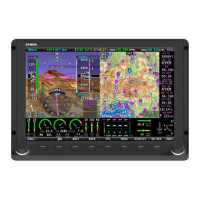
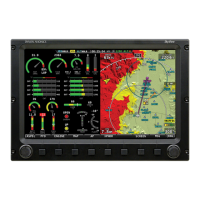
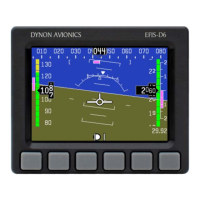
The Dynon provided configuration files will configure the Engine Monitoring System (EMS) to
appear as it has been certified to appear by the FAA. These files will also configure the Autopilot
System settings to be as certified. It is imperative that, for these files to work, the airplane must
be wired in accordance with the 103488-000 - WIRING DIAGRAM TYPICAL HDX DUAL
DISPLAY document.
3.6 MAP Setup Menu Configuration
This menu contains menus and pages related to MAP page and data sources.
3.6.1 Terrain Warning Colors
Sets whether Red and Yellow terrain warning are provided on the Map Page. Configure the
Terrain Warning Colors as desired.
3.7 Autopilot Setup Menu Configuration
This menu configures various aspects of the Dynon Avionics Autopilot system, if autopilot servos
are installed:
• STATUS
• AUTOPILOT CONTROLS
• ROLL AXIS
• PITCH AXIS
• FLIGHT DIRECTOR
• GO AROUND MODE
Some of these menus have specific configuration requirements, while others have optional
configurations that can be set to an individual preference, and other menus simply display
information. The sections that follow will provide an overview of the information and configuration
options contained within the menus, unless the menu has specific requirements. If specific
configurations are required, instructions on how to configure the menu will be included.
If the EMS Configuration file identified in section 3.5.1 is loaded, the autopilot controls required
by certification will also be configured. If not configured, configure the menus as described below.
3.7.1 Status
Displays diagnostic / troubleshooting information for the AP system.
3.7.2 Autopilot Controls
Configure the Autopilot Controls as desired (see Figure 13). Note that the EXPERT mode must
be selected for the Dynon Avionics SV-AP-PANEL to be active.




 To Next Page