3 Configuring SkyView HDX using the Setup Menu System
The following is an overview of each of the system configuration menus, their sub-menus, and
the information that must be selected or inputted to match the certificated configuration.
3.1 SETUP Menu Entry
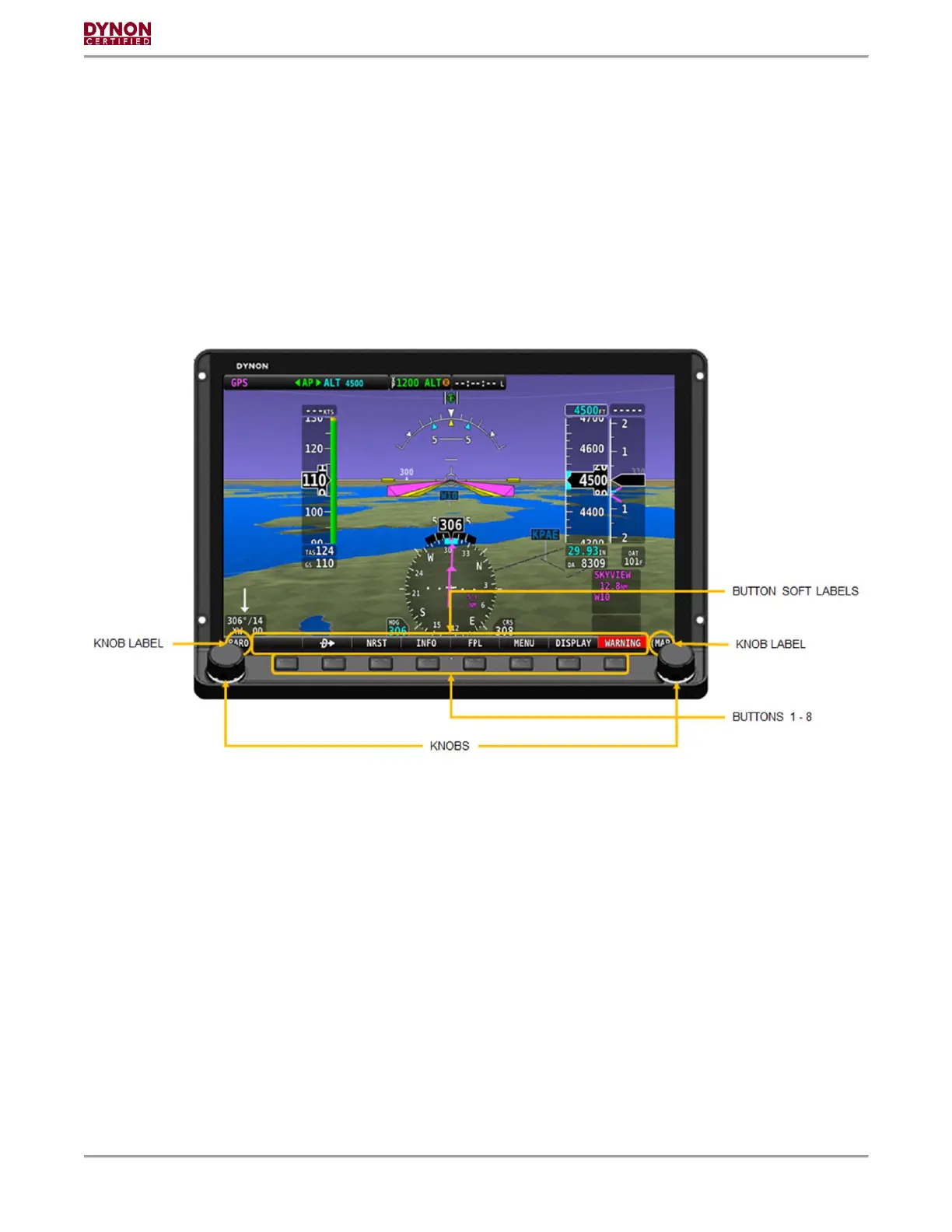
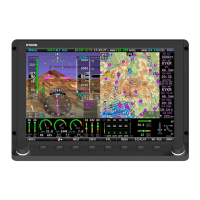
The SkyView HDX Display features a row of eight buttons across the bottom below the screen.
These buttons are numbered 1-8 from left to right. Knobs are provided to allow scrolling vertically
or horizontally as appropriate for the menu. In addition, the knobs can be pushed to make
selections. See Figure 1.
Figure 1 Display Controls and Control Labels
Simultaneously pressing and holding buttons 7 and 8 will open one of the setup menus. There
are two setup menus: The Setup Menu and the In-Flight Setup Menu. If the airspeed is zero,
the Setup Menu will open. If the airspeed is greater than zero, the In-Flight Setup Menu will
open.
You may also access the Setup Menu from the In-Flight Setup Menu by using the ENTER FULL
SCREEN SETUP MENU option.
3.2 SETUP Menu
The setup menu provides access to the following system configuration menus:
• SYSTEM SOFTWARE
• SYSTEM SETUP
• LOCAL DISPLAY SETUP
• PFD SETUP



 To Next Page