SV-D600 and SV-D900 Operation
3-10 SkyView SE Pilot’s User Guide - Revision B
A battery status icon in the top bar and alert messages let you know when SkyView’s backup
battery is not operating nominally. These indications are as follows:
No battery icon displayed
• No battery has been connected to this display or battery status is normal. If a battery is
connected, and no icon is displayed, all of the following are true:
o The Annual Backup Battery Test is not yet due.
o The self-test routine has not discovered abnormal behavior. Backup battery self-
tests are performed automatically every time master power is removed on the
ground (after a flight, for example) while the 30-second “power lost” timer is
counting down.
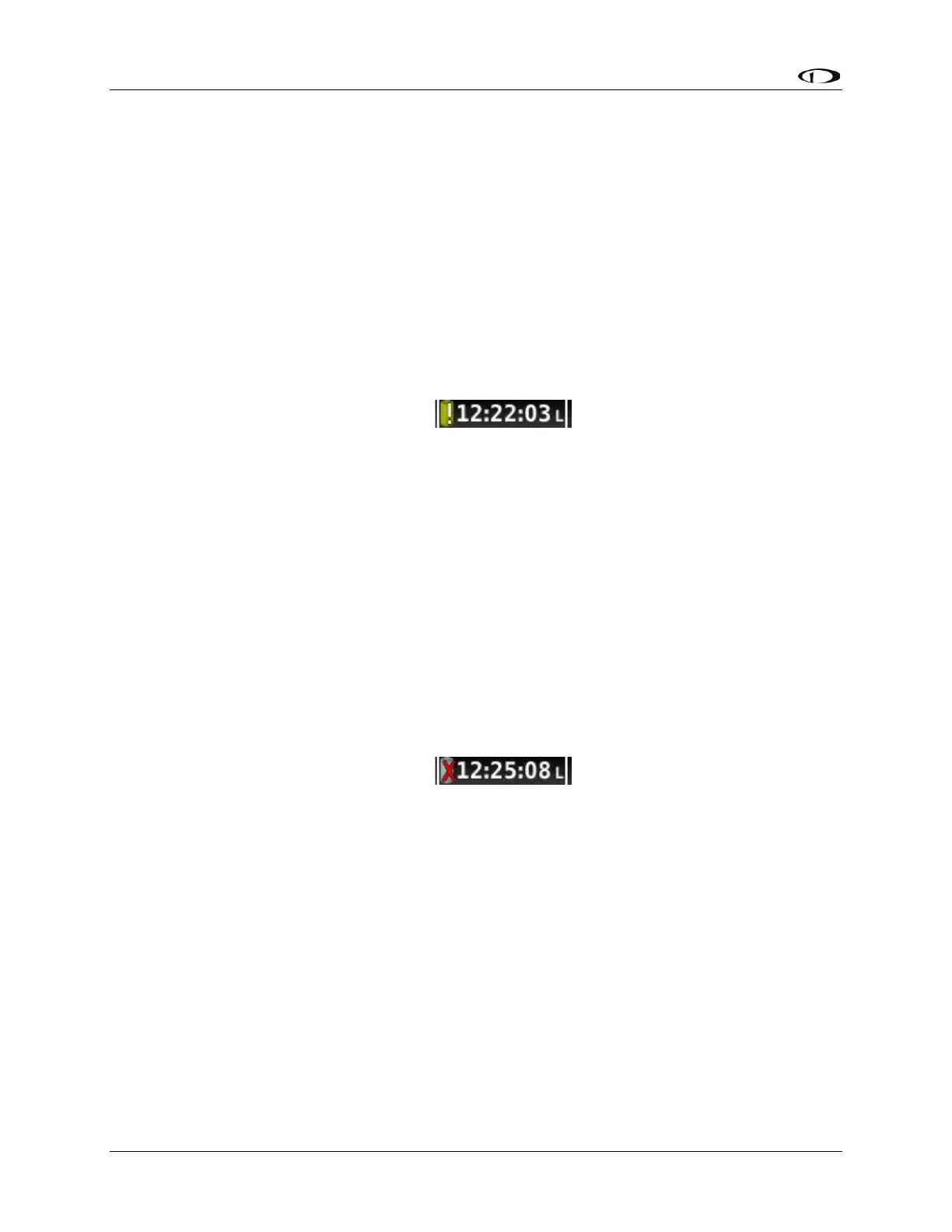
Needs test:
Figure 8 - Backup Battery Test Needed
• SkyView has determined that the backup battery should be tested using the manually-
actuated Backup Battery Test. This can be because:
o It has been one year since the last full Backup Battery Test. See the SkyView /
SkyView SE System Installation Guide for instructions on how to perform this
test.
o The 30 second automatic battery self-check that is performed when master
power is removed during a normal shutdown did not complete properly at least
3 consecutive times. Perform the Backup Battery Test per the SkyView / SkyView
SE System Installation Guide.
Fault/test Failed
Figure 9 - Backup Battery Test Failed
A fault has been detected because of one of the following conditions:
o The battery is no longer connected.
o A battery test has failed. The battery may need to be replaced. Contact Dynon
Technical Support for more information.



 To Next Page