The FAA, PocketFMS, and Jeppesen periodically publish Aviation Data updates. It is
the pilot’s responsibility to stay current with these updates and keep their
equipment up to date.
Other Status Information
Operating Without SkyView SE
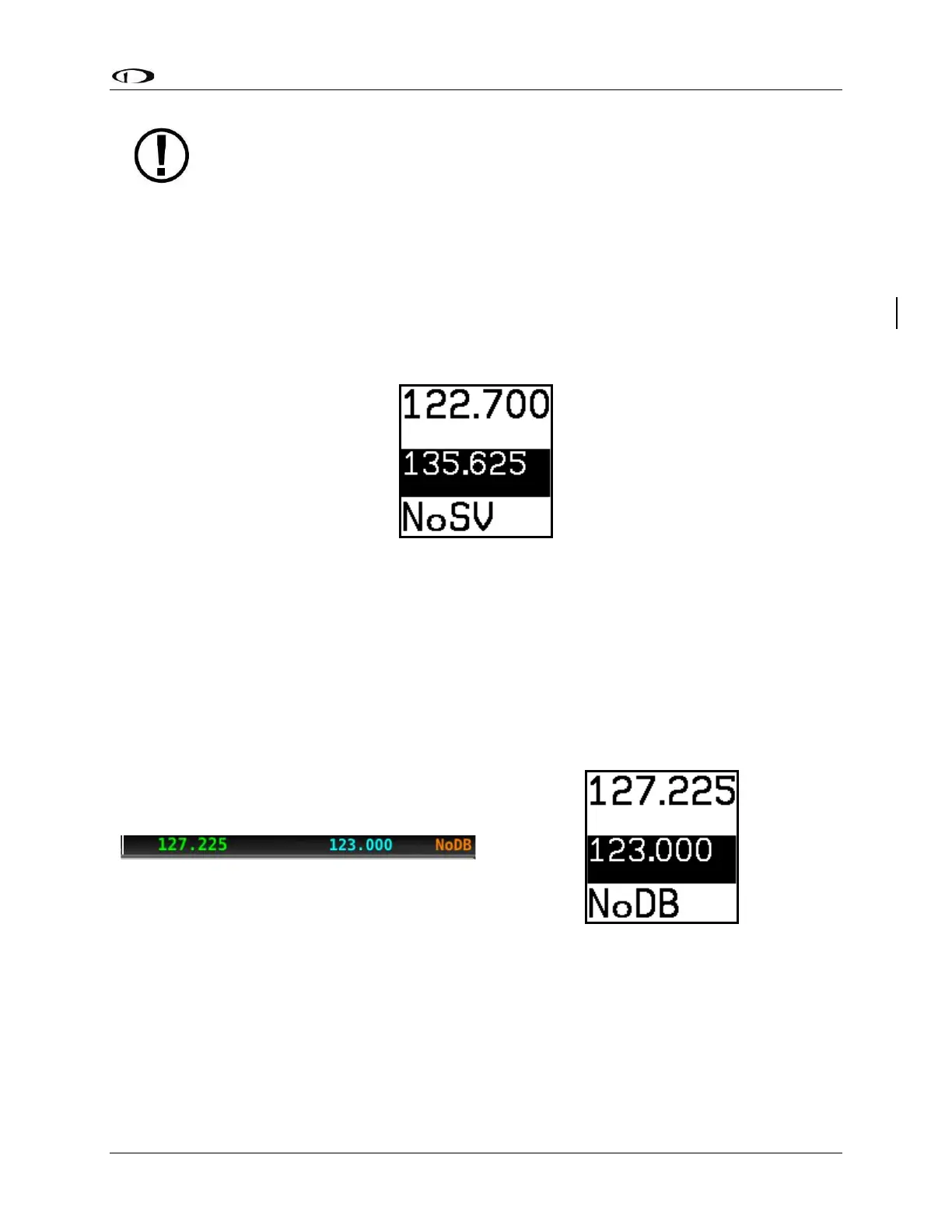
The SV-COM-C25/X25/X83 can be used when SkyView SE is powered off or has failed. However,
only manual tuning will be available and the control panel will display NoSV. The control panel
annunciates this condition in the following way:
Figure 93 – No SkyView mode
You may see this annunciation as your SkyView SE displays first power up, as they take longer
to initialize than the COM radio.
No Aviation Database
If SkyView SE does not have an aviation database loaded, the airport loading and
TWR/ATIS/GND/ATC buttons will not be available. The control panel annunciates this condition
by displaying NoDB:
Waiting for Data
The loaded airport area of the control panel will show an animating scrolling black cursor
momentarily when it is waiting for airport data from SkyView SE:



 To Next Page