PFD Operation
4-18 SkyView SE Pilot’s User Guide - Revision B
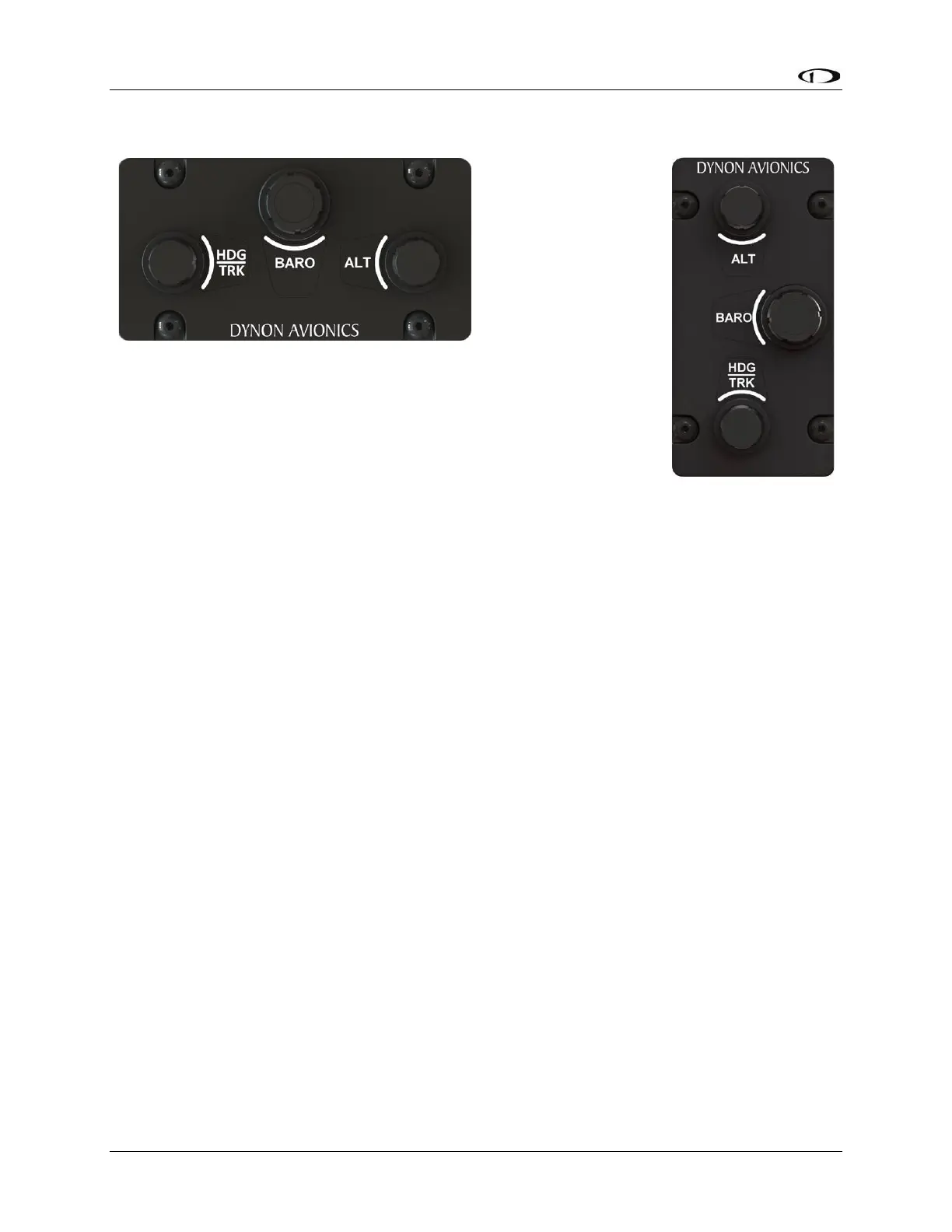
SV-KNOB-PANEL Operation
The optional SV-KNOB-PANEL adds three additional dedicated knobs to
the SkyView SE system for the most frequently adjusted bugs. One
knob is dedicated to each of the Altitude Bug (ALT), Altimeter Setting
(BARO) and Heading/Track Bug (HDG/TRK) on the primary flight display.
These knobs behave exactly like the joystick knobs on a SkyView SE
display do when they are set to these functions: turn them to adjust the
value they control. Press and hold them to synchronize the ALT and
HDG/TRK bugs to the aircraft’s current altitude or heading/track. Press and hold BARO set the
altimeter setting to either GPS altitude (when on the ground), or to standard pressure (29.92
inHg or 1013 millibars) (when in the air, typically used when above 18,000 feet).



 To Next Page