COM Radio Operation
SkyView SE Pilot’s User Guide - Revision B 8-7
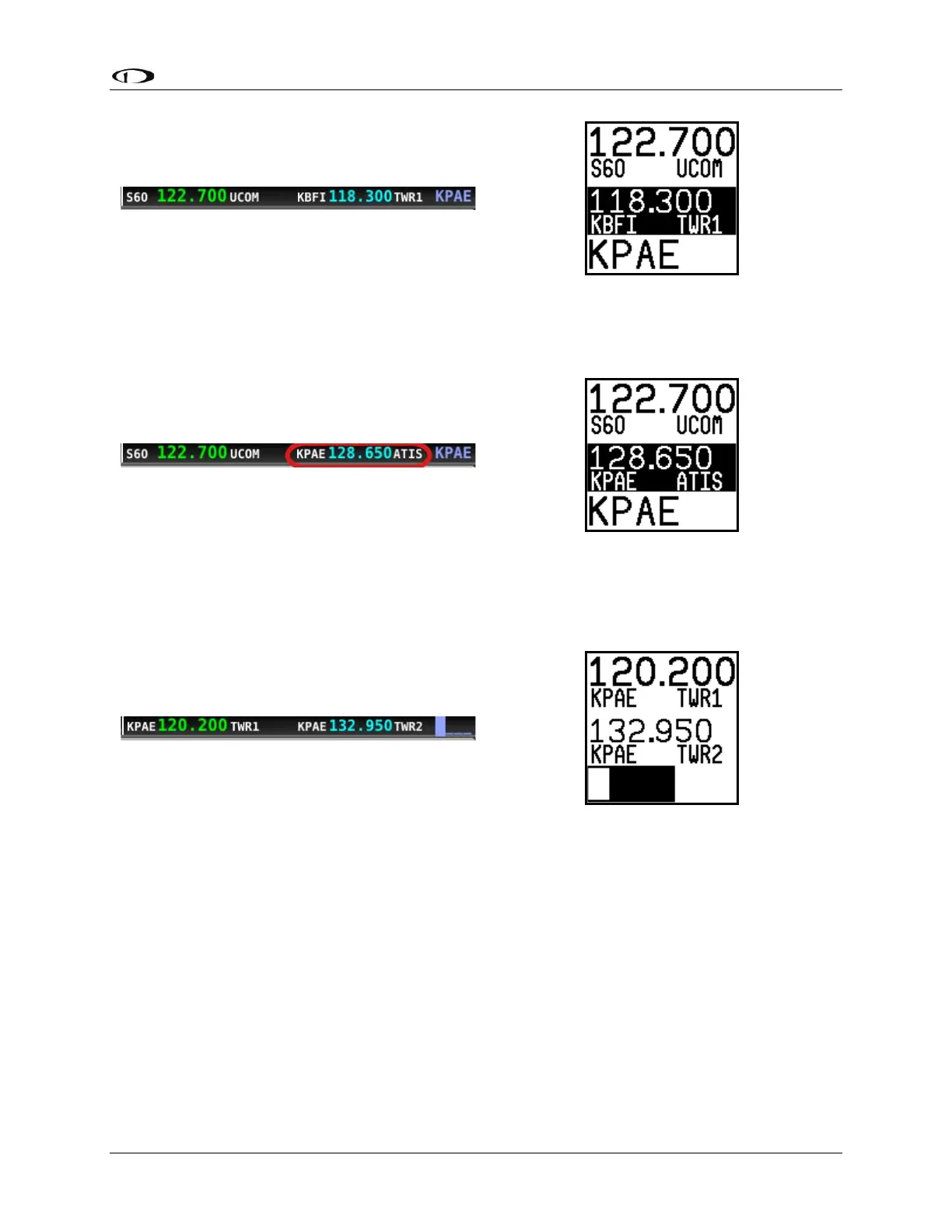
• Use the TWR, ATIS, GND, and ATC buttons to send the associated airport frequencies to
the standby frequency location.
By A-Z / 0-9 Character Entry
• Press the APT button twice.
• Use the dual concentric knob to type an airport identifier. Note that this search is
limited to airports within 75 miles of your location to speed up entry by limiting the
airport possibilities.
o The small, inner knob chooses characters (A-Z, 0-9)
o The larger, outer knob moves the cursor.



 To Next Page