then it will not respond when an unauthorized number calls it.
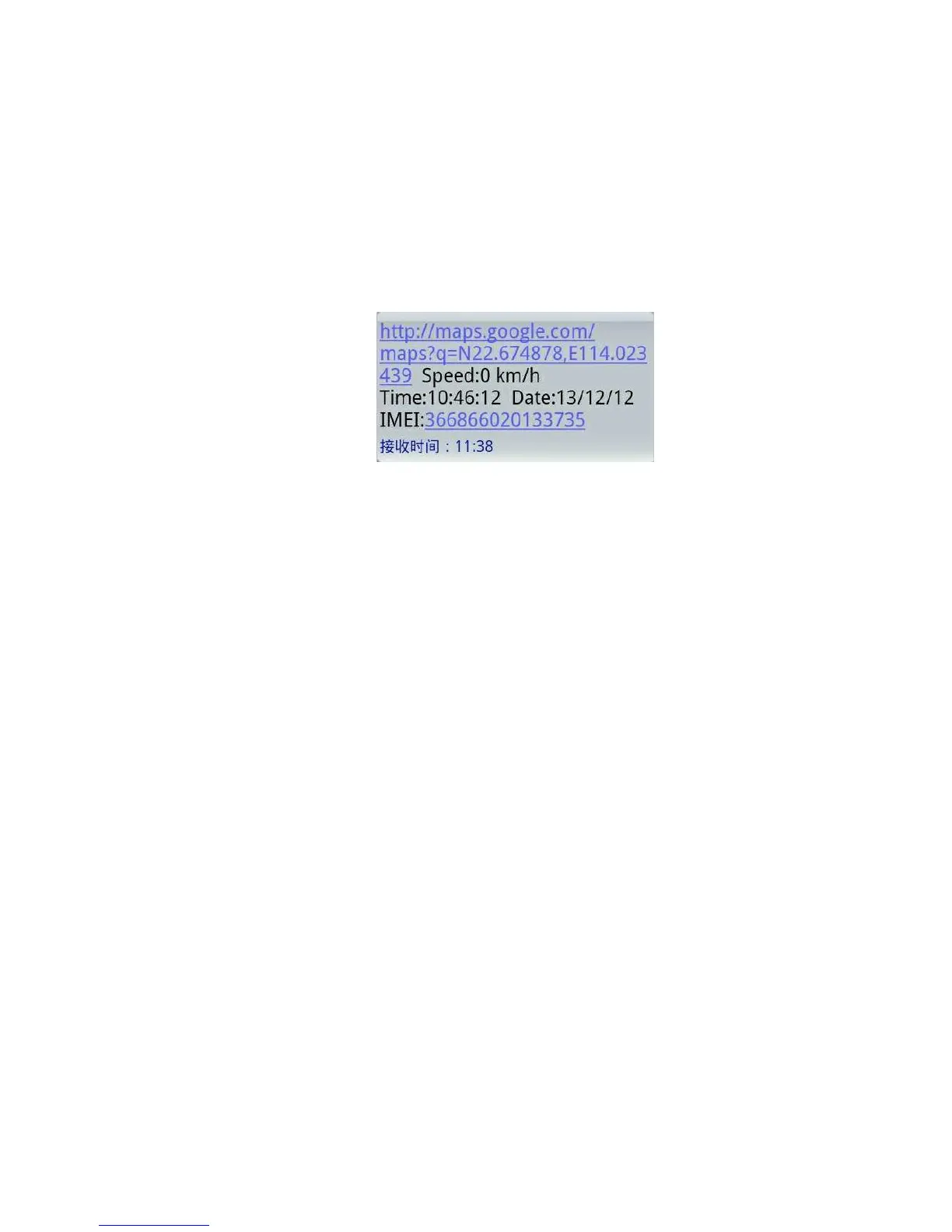
6.4.2 Dialing tracking: make a call to device number, it will hang up and
reply a real-time tracking message as below picture:
6.4.3 SMS tracking: send SMS“#smslink#123456#”, it will reply a
real-time tracking message as below picture:
6.5 Auto continuous track
6.5.1 Unlimited time auto track: Send SMS “#at#time interval#sum#0#”
to the device. Remark: device must be connected to tracking software.
For example, to set 30s time interval to upload data to platform, send
SMS: “#at#30#sum#0#” to device.
6.5.2 Cancellation: Send SMS “#noat#password#” to the device.
6.6 Voice Surveillance
6.6.1 The command to switch between Track and Monitor are “tracker”
and “monitor
6.6.2. The default mode is “tracker mode” (Tracking status).
6.6.3. Send SMS “#monitor#password#” to the device, and it will reply
“monitor ok!” and switch to “monitor” mode. Then use mobile phone to
dial the device number, it will get though and enter voice listening
function.
6.6.4. Send SMS “#tracker#password#” to the device, it will reply


 To Next Page