1. Insert Mirco SD card when the camera is off(Supports up to 128GB.SD
card not included). We also provide 7-day free cloud storage for you, the
camera can work without SD Card.
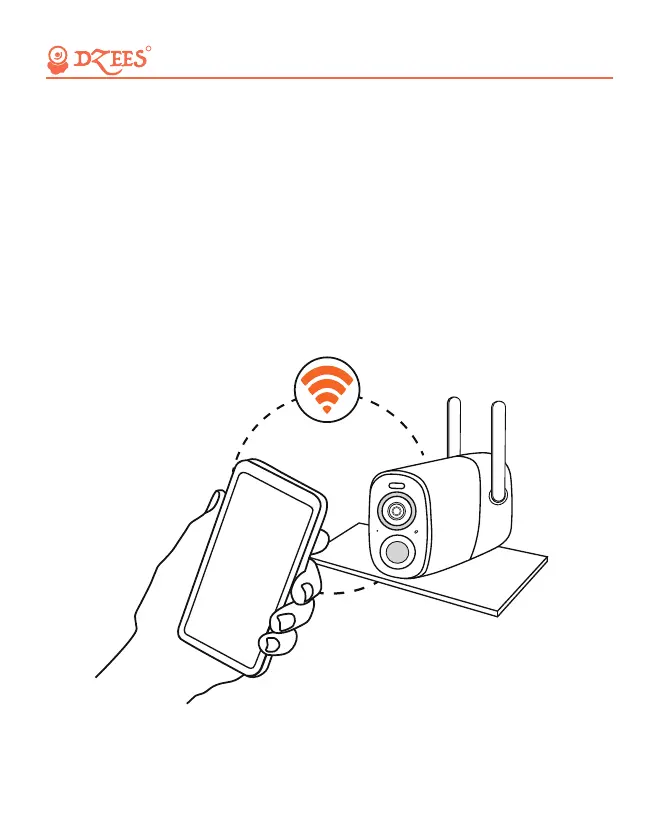
2. The camera only works with 2.4GHz Wi-Fi, not support 5G.
3. Take the camera close to the router while connecting.
4. Keep pressing the power button for 2-4s to power on/off the camera.
5.1 Preparation for Connection
All about Your Smart Security
R
06


 To Next Page