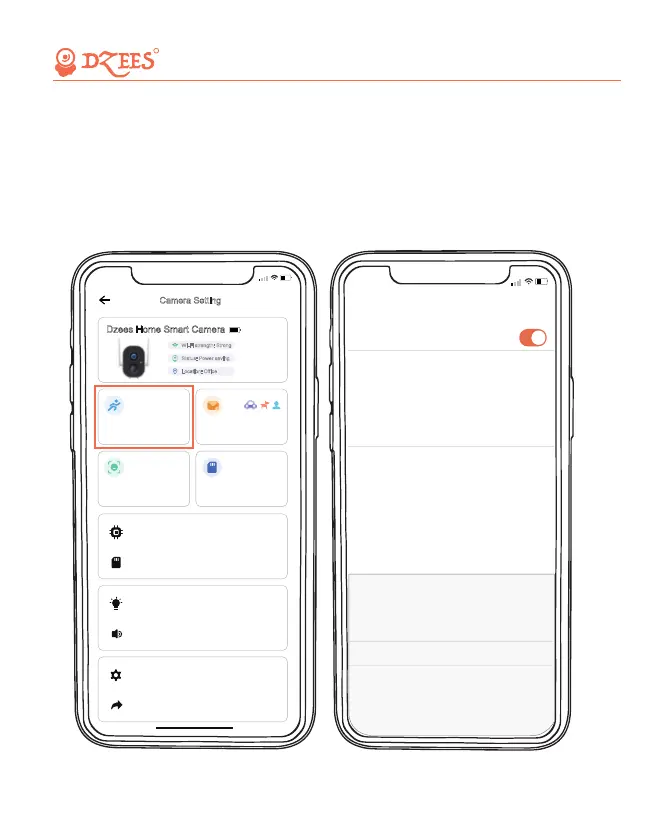
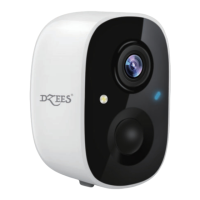
10. PIR Motion Detection
1. Turn on 'Motion Detection' and adjust sensitivity.
PIR Motion Detection is defaulted to 'High' level. But it is adjustable.
2. When you turn on 'Alarm Siren' (In Sound Setting) or 'Alarm Flash'
(In Lighting Setting), the camera will sound an alarm or keep flashing
when motion detected.
5:51
Motion Detection
Detection sensitivity
High
Motion Detection
<
>
Duration
10s
HD
>
Resolution
After Motion Detection is turned on, the camera can be triggered
by the moving objects and record video, helping you to detect
environmental changes at all times.
>
Cancel Finish
High
Medium
low
All about Your Smart Security
R
13
5:50
Dzees Home Smart Camera
High sensitivity
Firmware Info
Motion Detection Notification Setting
Camera Setting
Wi-Fi strength: Strong
>
Status: Power saving
Location: Office
activity zone 0
Motion Detection
SD Card Video
SD Card 0.0GB/32GB
>
>
Lighting Setting
Sound Setting
>
>
Advanced Setting
Share
>
>


 To Next Page