DETECTION AND TROUBLESHOOT ERRORS & FAULTS
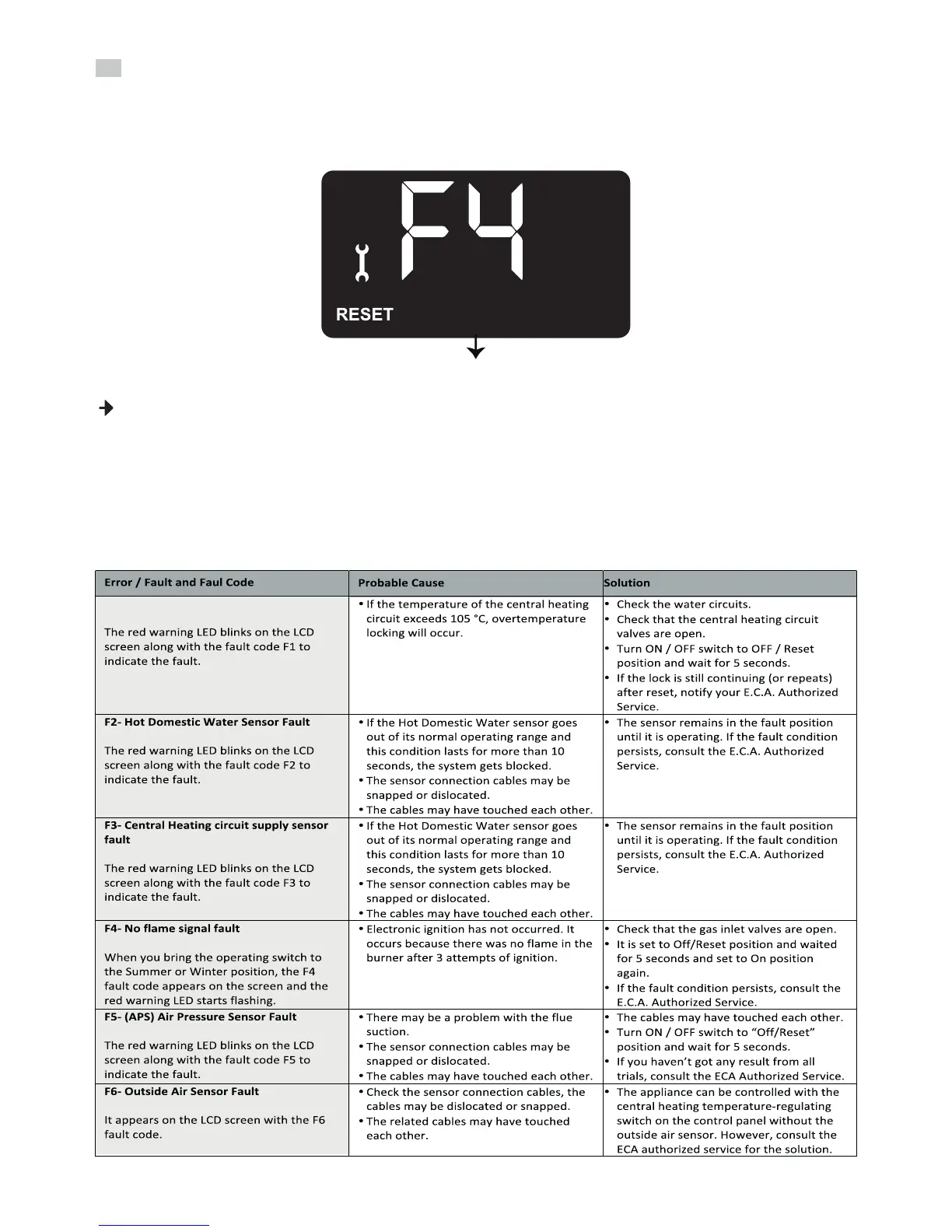
Various controls are available for safe operaon of the appliance. The differences in the control values that
the system encounters during these controls are being performed will visually alert you on the LCD screen
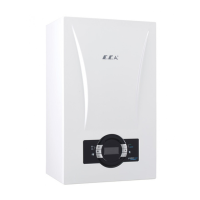
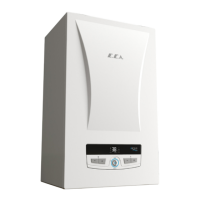
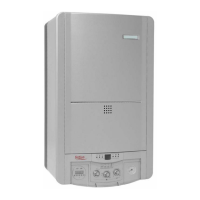
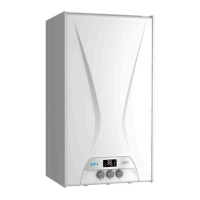
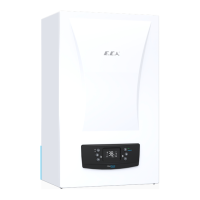
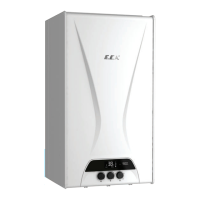
on the control panel of the appliance (Figure 21). You can see detailed informaon about the error and
fault codes in the explanaons in Tables 9 and 10.
The safety of the appliance has been provided in two types (For example F1 and F4 codes).
a) If an error condion occurs, your device will go into the lock posion. In this case, the error code will
appear on the LCD screen to alert you. In this case, move the posion selector to the “OFF-RESET” posion
again aer the summer or winter posion and wait for 5 seconds. If the fault persists aer you return to
the summer or winter posion, consult our nearest E.C.A services.
b) In the event of a fault, the device will switch to the blocked posion. If it is blocked (F2, F3, F5, F6 and
F7), the fault can not be reset and the cause of the fault must be eliminated.
25
Figure 18
Error Codes
F1- Overtemperature locking



 To Next Page