) The filling tap is not available in some models based on national and local
regulations.
II
Control
Panel
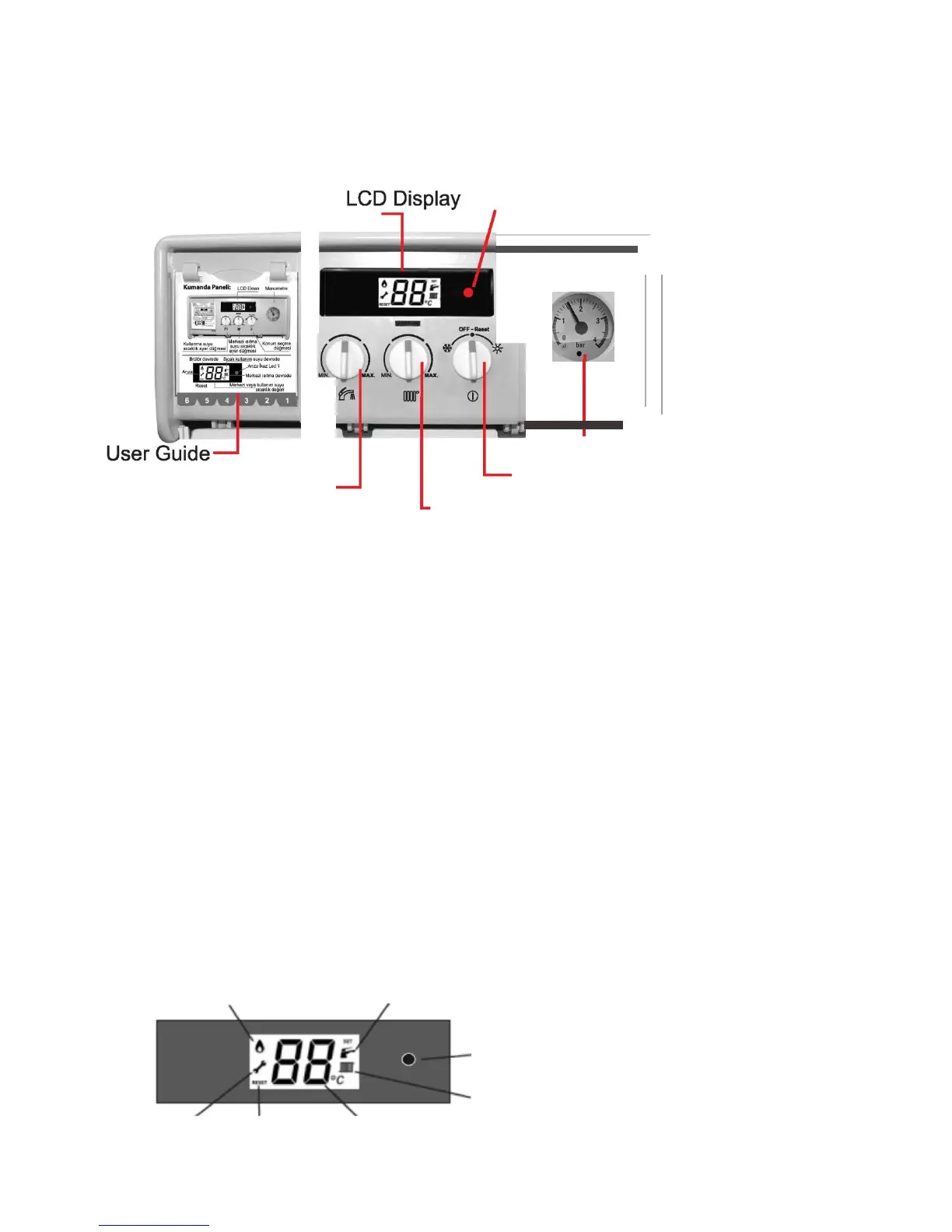
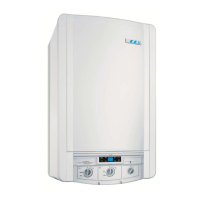
The control panel shown in fig. 20 consists of the following parts as detailed
below.
Manometer
Status
Potentiometer
Central Heating
Potentiometer
fig.20
Domestic Hot
Water
Temperature
Potentiometer
[I] Status
-
Pl
(Winter/Summer
and Off-Reset
mode)
Status has 4
functions
a) To select Summer (
'¢
-
)
mode
b) To select Winter (
*
)
mode.
c) To select Off
"
e
"
position
d) Reset
position
[I]
Central
Heating (CH)
Temperature
-
P2
- CH can set up between 35°C and 80°C with summer or winter
mode
-During
the Selection of summer mode, the boiler runs only for Domestic Hot Water not for
CH
[1] Domestic Hot Water (DHW)
Temperature
-
P3
DHW can set up between 35°C and 64°C temperature depends on user
demand.
[I]
Display Panel: Yellow backlit LCD
display
Boiler functions, CH/DHW temperature, fault/error conditions, set and actual values can be
seen
on
LCD.
- In case of error, the error codes appear automatically on the display (See page 29-
30).



 To Next Page