E8500 Instruction & Operations Manual
version 1.010
Page 30 of 45
CHAPTER 9
WIRELESS REMOTE PRINTER
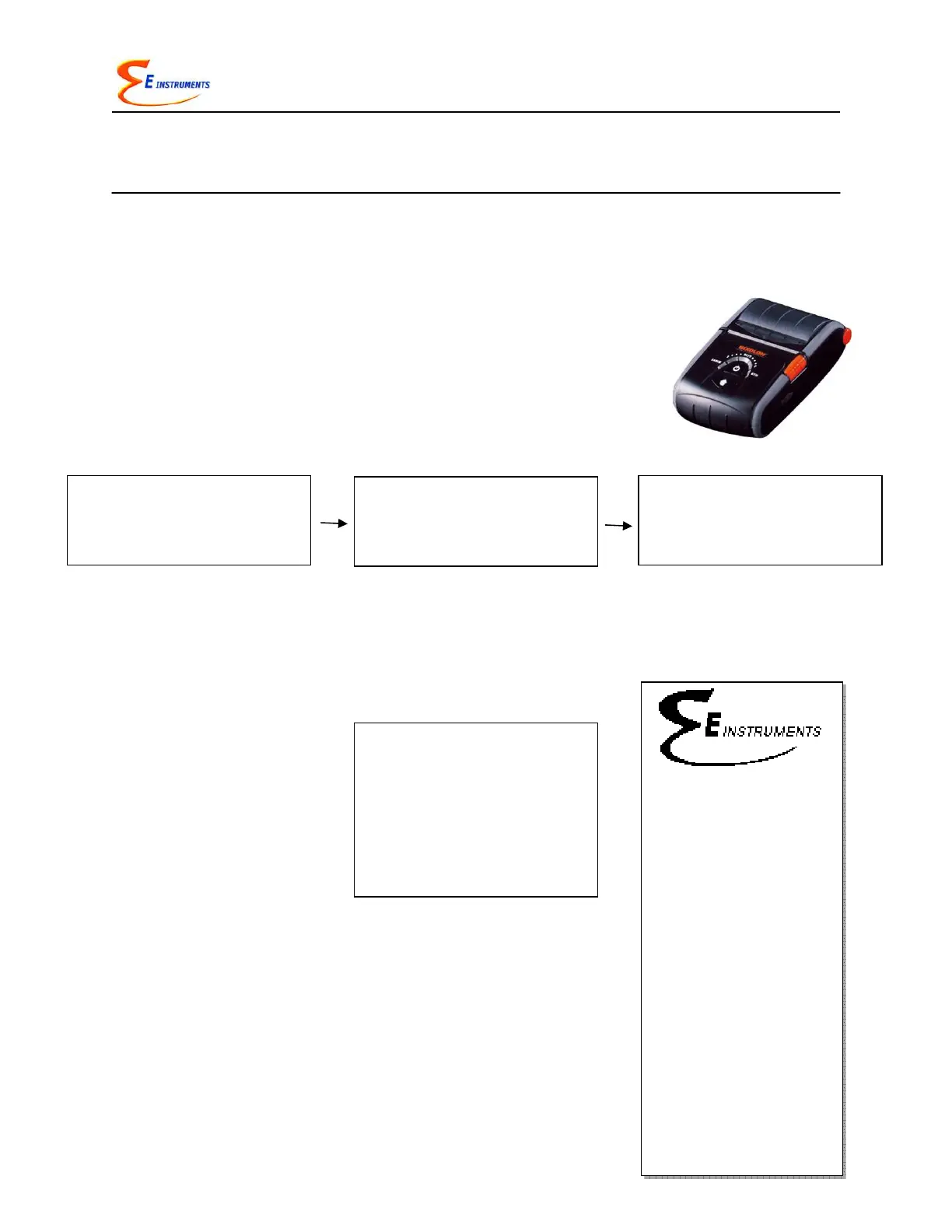
The E8500 uses a wireless remote printer. The printer is
powered by a rechargeable battery. A charger is supplied with
the printer. The printer is optional with the E8500.
First you must turn the printer on. Then press PRINT to scan and
connect with your wireless printer to establish communications
between the analyzer and the printer.
When you have connected successfully the printer’s green status light will turn on.
Pressing the PRINT key will now display the PRINT MENU.
The PRINT MENU allows the user to print test records.
PRINT TEST RECORD: This option will print a test record of
the current stack parameters.
PRINT TEST LOG: This option begins a log of the following
combustion parameters: stack temperature, oxygen, carbon
monoxide, excess air, and efficiency.
LOG INTERVAL: This selects the interval between each log
entry. The interval can be set between 1 and 60 seconds.
Print Test Record
Start Test Log
Log Interval:
Print Buffer
Edit Customer Name
Calibration Record
Paper Feed On/Off
Mobile Printer...
Serial #: 000000
Company Name
TEST RECORD
AUG 1 ‘10 12:45:00
Efficiency: XX.X %
T ambient: XXX ºF
T stack: XXXX ºF
Oxygen: XX.X %
CO: XXXX PPM
CO2: XX.X %
CxHy: XX.XX %
StackDraft: XX.X "wc
Excess Air: XXX %
NO: XXXX PPM
NO2: XXXX PPM
NOx: XXXX PPM
SO2: XXXX PPM
H2S: XXXX PPM
Fuel: NATURAL GAS
O2 Reference: TRUE
* WIRELESS PRINTERS *
Scan for printers
Press OK to search
* WIRELESS PRINTERS *
Device Found
Press OK to Connect
Device 1:001122334455
* WIRELESS PRINTERS *
Device Connected
Press OK to Continue
Device 1:001122334455



 To Next Page