E-max Gaming Corporation, Inc.
20
5.3 Playing Bingo
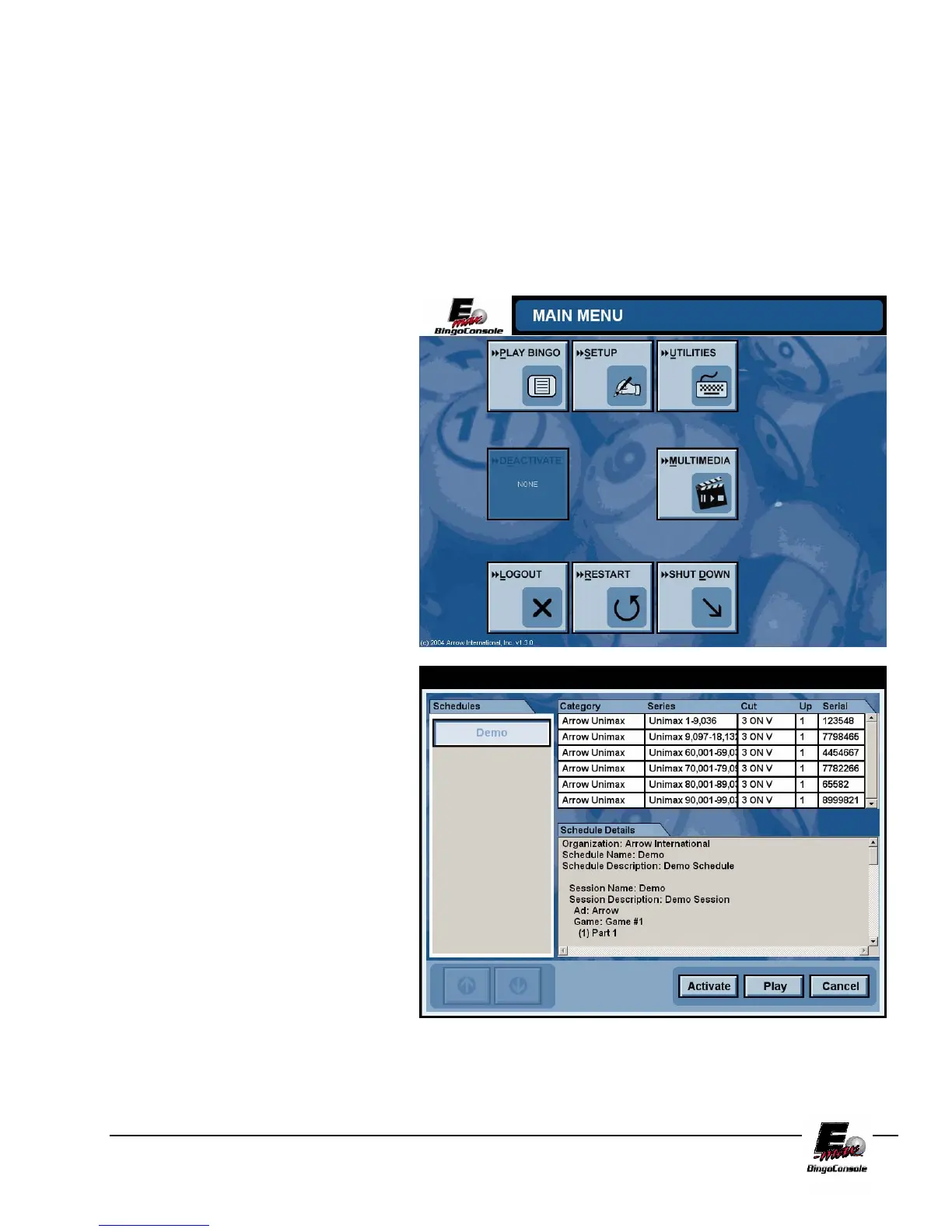
After touching the PLAY BINGO button the Choose Schedule screen will appear. (Figure 5.2) This screen
displays a list of preprogrammed schedules on the left, details about those schedules in the middle and serial
numbers (optional) on the right. To begin the tutorial, touch the Demo button on the left side of the screen and
then touch the Activate button. This will bring you back to the Main Menu Screen. Touch the Play Bingo
button. This will take you to LIVE GAME SCREEN
. NOTE: A schedule must be activated by a
manager or system administrator before it can be played by a console operator.
Figure 5.2
Figure 5.1



 To Next Page