E-max Gaming Corporation, Inc.
22
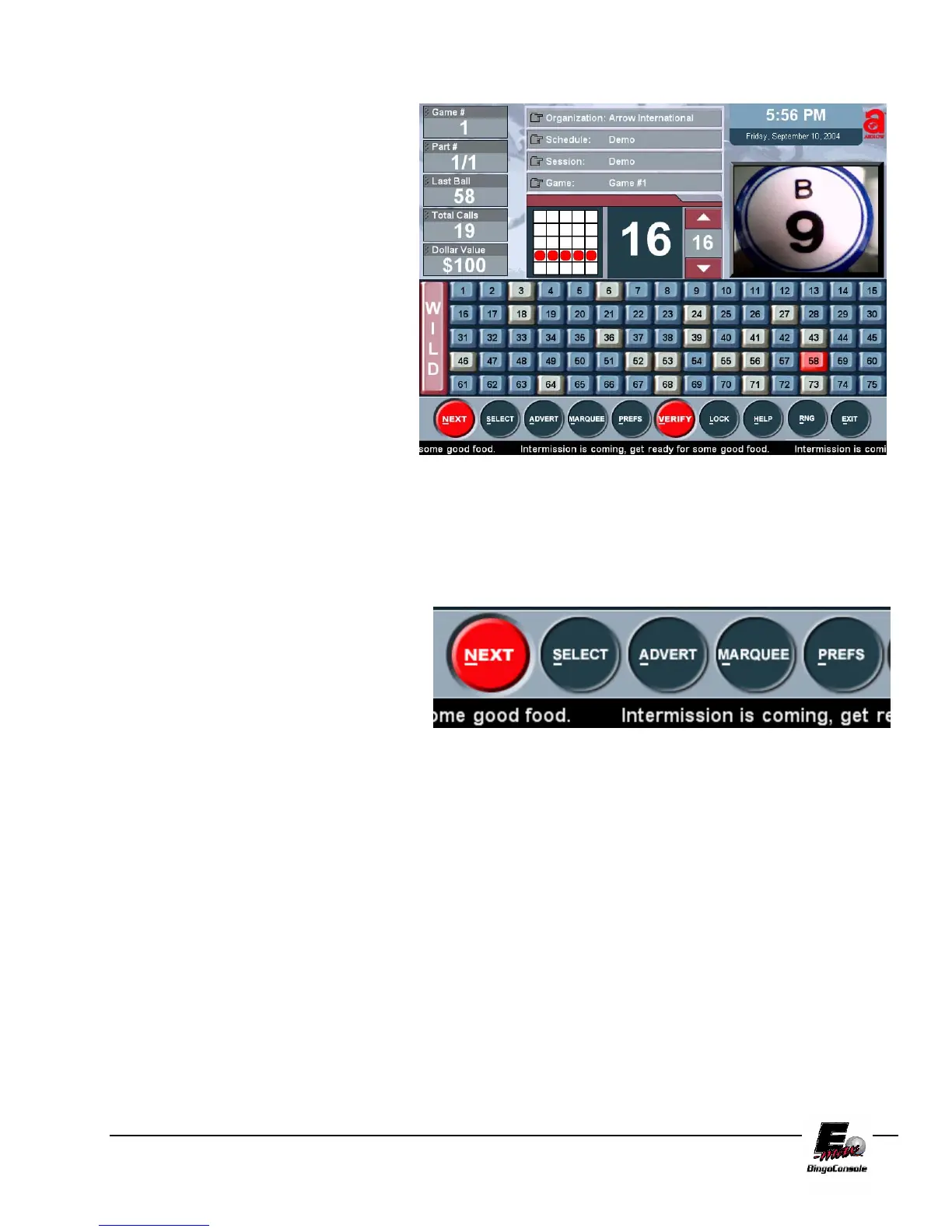
From this screen you may now play a
demo game. Turn on the Blower Power
Switch. You will see the game pattern for
the tutorial displayed on the Live Game
Screen. Start calling balls as you would
in a regular session. The ball timer will
reset to a preprogrammed limit and start
counting after each ball is placed into the
ball tray. The timer can be manually
adjusted during game play by using the
up/down arrow keys on the touch screen
or the up/down arrow keys on the
keyboard. The next step of the tutorial
will show you how to verify a winning
bingo.
Figure 5.3
Hot Key Feature
You will notice that each selection button in
the E-max™ toolbar has the first letter
underlined. The E-max™ features a “hot
key” function that allows the caller to select
options from the touchscreen or by pressing
the first letter of the option on the keyboard.



 To Next Page