E-max Gaming Corporation, Inc.
27
The VOLUME page will allow the user to choose one of five speaker output volumes ranging from VERY
LOUD to MUTE.
The CALLERS CHOICE page allows you to change bingo options for the current game before the game starts.
Once the first ball has been called, the game options can not be changed. (These options are discussed in
chapter 6, System Programming)
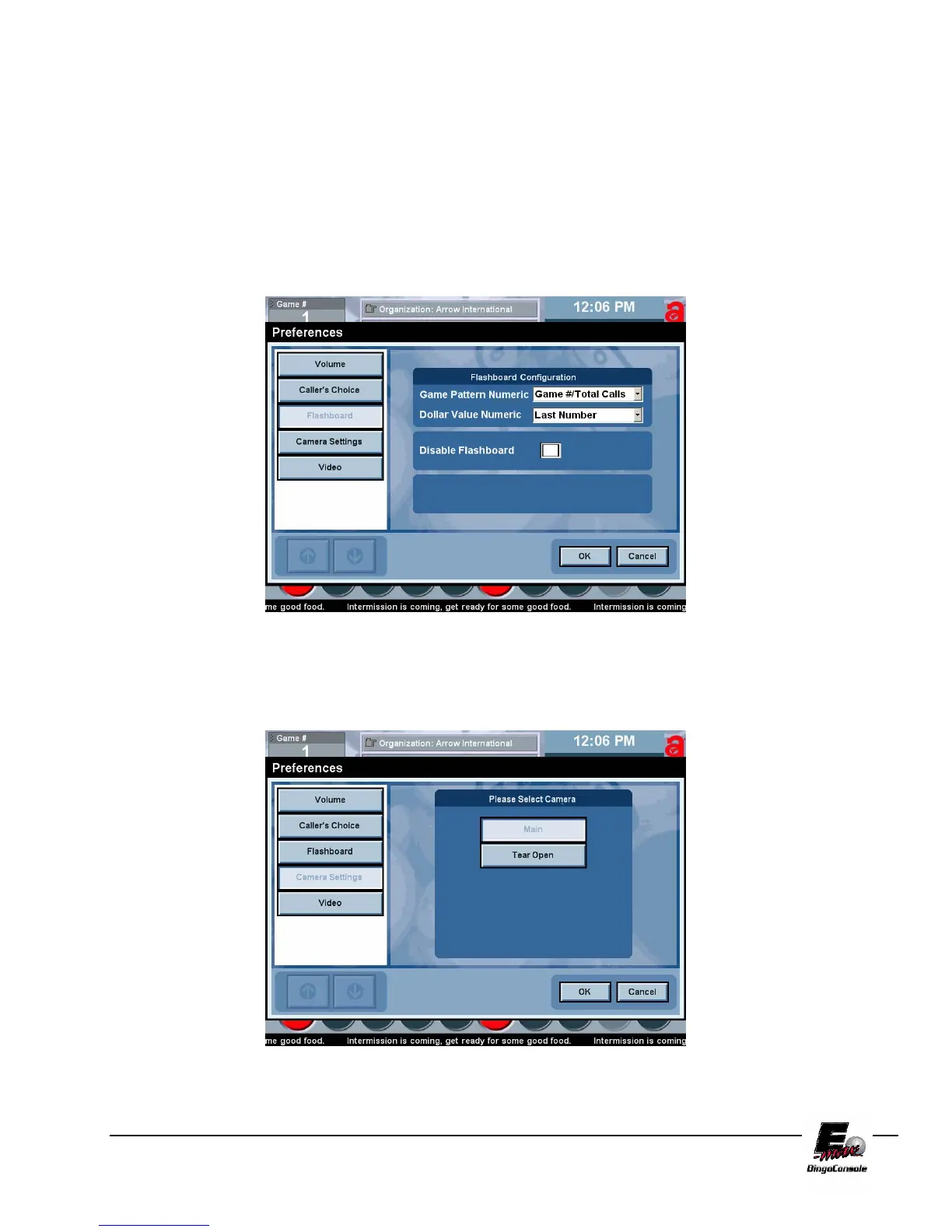
The Flashboard page allows you to changed Flashboard output (Game Pattern Numeric and Dollar Value
Numeric) for the current game automatically by selecting them from the drop down list box and touching the OK
button (Figure 5.11).
You can also disable the flashboard for the current game by placing a check mark in the Disable Flashboard box.
Figure 5.11
The Camera settings button is used in a double blower configuration. This feature allows the caller to switch
between the bingo camera and the tear open camera. (Figure 5.12)
Figure 5.12



 To Next Page