E-max Gaming Corporation, Inc.
41
7.5 Playing Videos during a Session
The E-max Bingo Console can play videos/ DVD’s during an active gaming session. To do this; follow the
procedure below:
1. Insert your media (VHS tape/
DVD) into your player.
2. Press Play on your device
3. On the Live Game Screen,
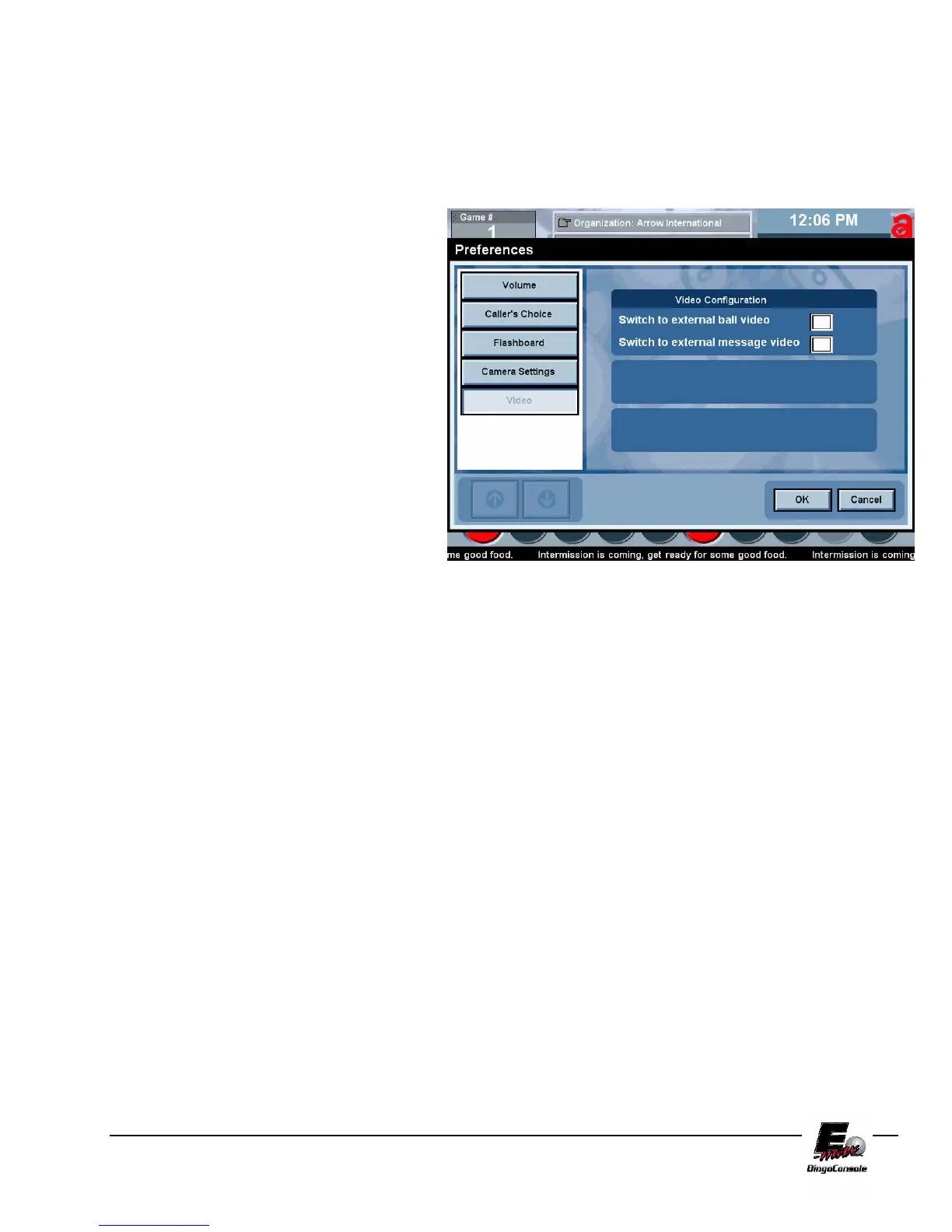
touch the Prefs button. This
will bring up the caller
preferences screen. (figure
7.5)
4. Touch the video button. This
will bring up the video
configuration screen.
5. Select the monitors that you
wish to display the video on
by touching the appropriate
check box and then touch
OK.
NOTE: to stop the video you must press the stop button on your device and return to this screen and uncheck the monitors
then touch OK.
Figure 7.5



 To Next Page