E-max Gaming Corporation, Inc.
62
11.6 Setting the Date and Time
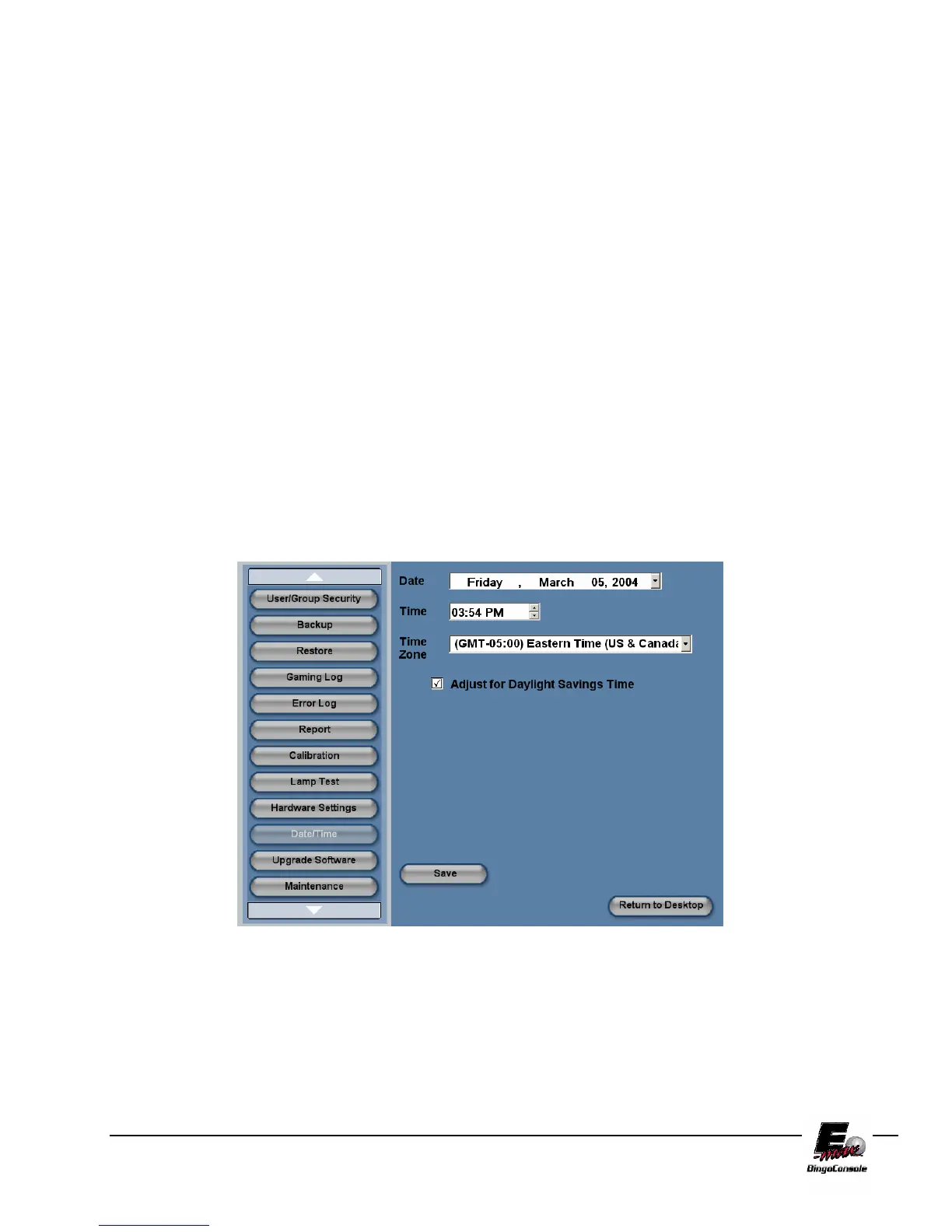
To set the E-max™ Date and Time, follow the procedure below and refer to figure 11.6
NOTE: The date and time are automatically updated from the CPU clock.
1. Power up the outlet strip
2. Power up the Back UPS
3. Power up the Dell CPU
4. Log in as the system administrator
5. select Utilities from the Main Menu
6. Touch the Date/Time button
7. The Date/Time settings screen will appear
8. Touch the Date drop down menu to adjust the date
9. Touch the Time (arrow up/Down) to adjust the time
10. Touch the time zone drop down menu the set the time zone
11. Select the check box to allow for daylight savings time
Figure 11.6



 To Next Page