26
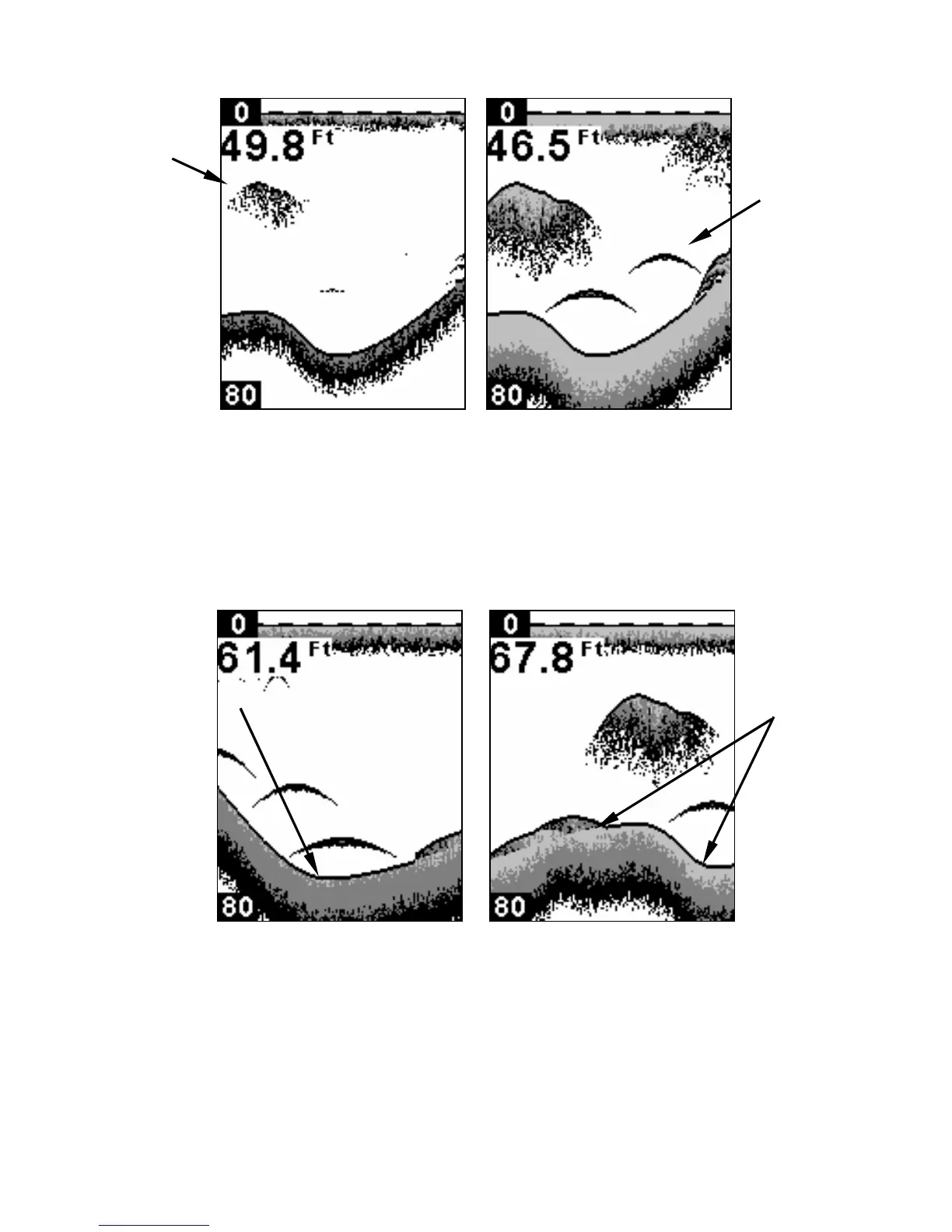
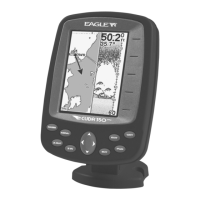
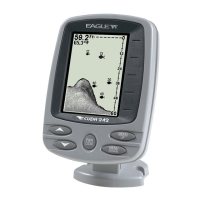
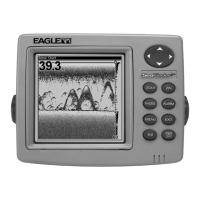
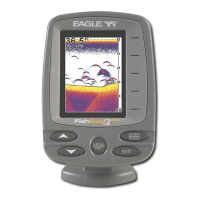
Sensitivity at 71 percent (left). Sensitivity at 100 percent (right).
To change the Grayline level:
1. Press MENU until the GRAYLINE control bar appears.
2. Press
↑ to increase the level of Grayline or press ↓ to decrease it. If
you reach the maximum or minimum level, a tone will sound. Press
PWR to clear the menu.
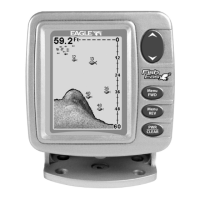
A small amount of Grayline indicates a soft bottom (left), probably
sand or mud. More Grayline indicates a harder, rocky bottom (right).
Chart Speed
The rate that echoes scroll across the screen is called the chart scroll
speed. The default for this unit is the maximum, 100 percent.
Wider
Gra


 To Next Page