27
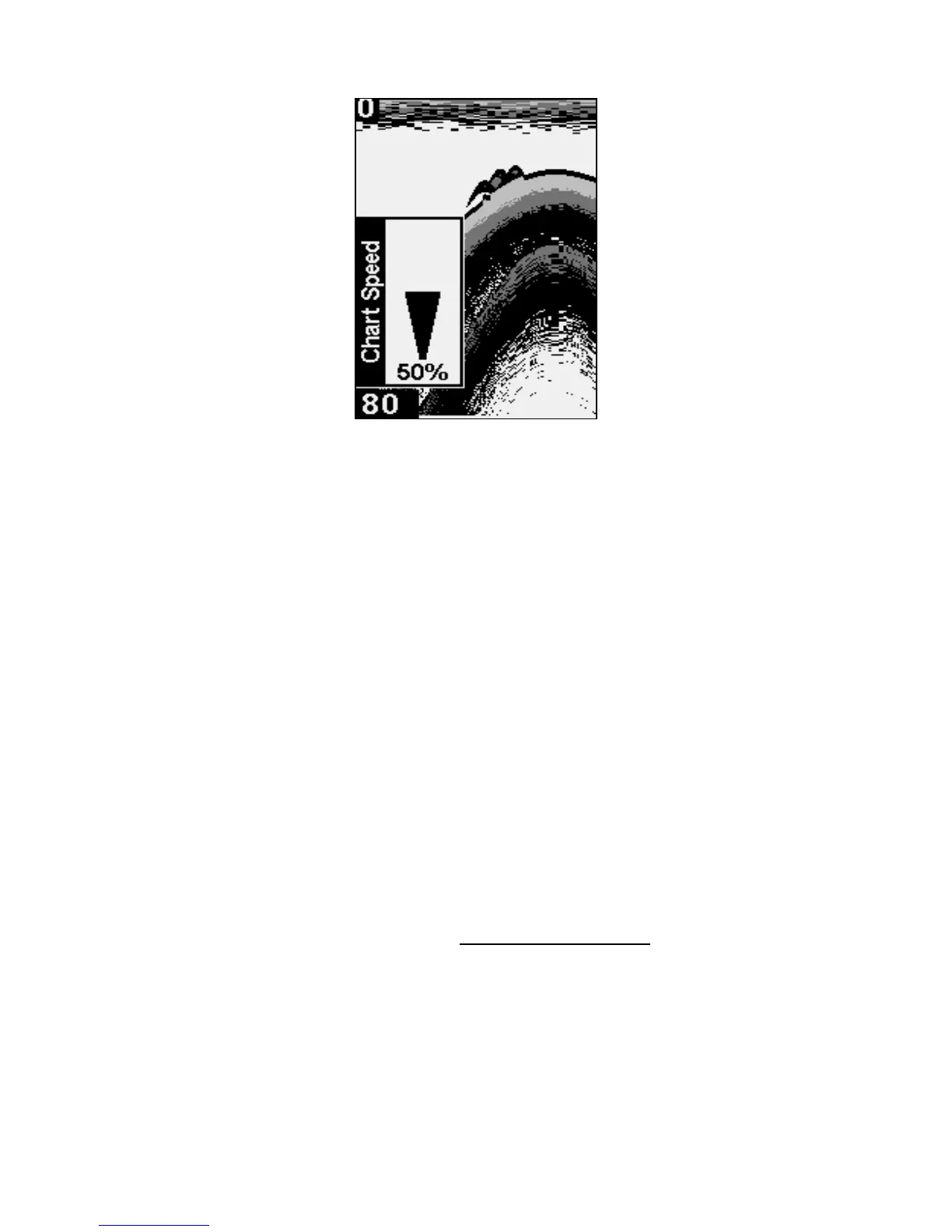
Chart Speed control bar.
NOTE:
When you are stationary or traveling slowly and using a higher
chart speed, a fish swimming through the sonar signal will be dis-
played as a long line instead of a fish arch. You can counteract this
by decreasing the chart speed to match the speed of your boat,
which will shorten the line, making it look more like a fish arch.
To adjust Chart Speed:
1. Press MENU until the CHART SPEED control bar appears. Press ↑ to in-
crease the speed of the chart. Press ↓ to decrease it.
2. Press
PWR to clear the menu.
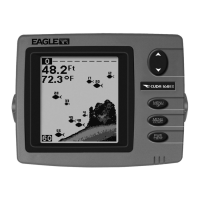
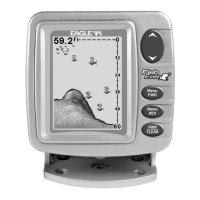
Fish I.D.™
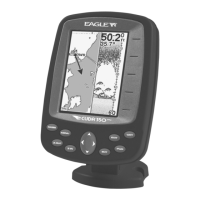
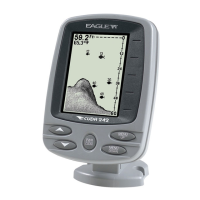
The Fish I.D. feature displays fish symbols on the screen in place of the
actual fish echoes. There are three symbol sizes: small, medium and
large. These show the relative size between targets.
To see what's under your boat in maximum detail
, we recommend you
turn off Fish I.D. and begin learning to interpret fish arches.
To turn Fish I.D. on/off:
1. Press MENU until the FISH ID menu appears. Press ↓ to select ON/OFF.
2. Press
PWR to clear the menu from the display.


 To Next Page