Hangzhou Zhongchuang Electronics Co., Ltd.
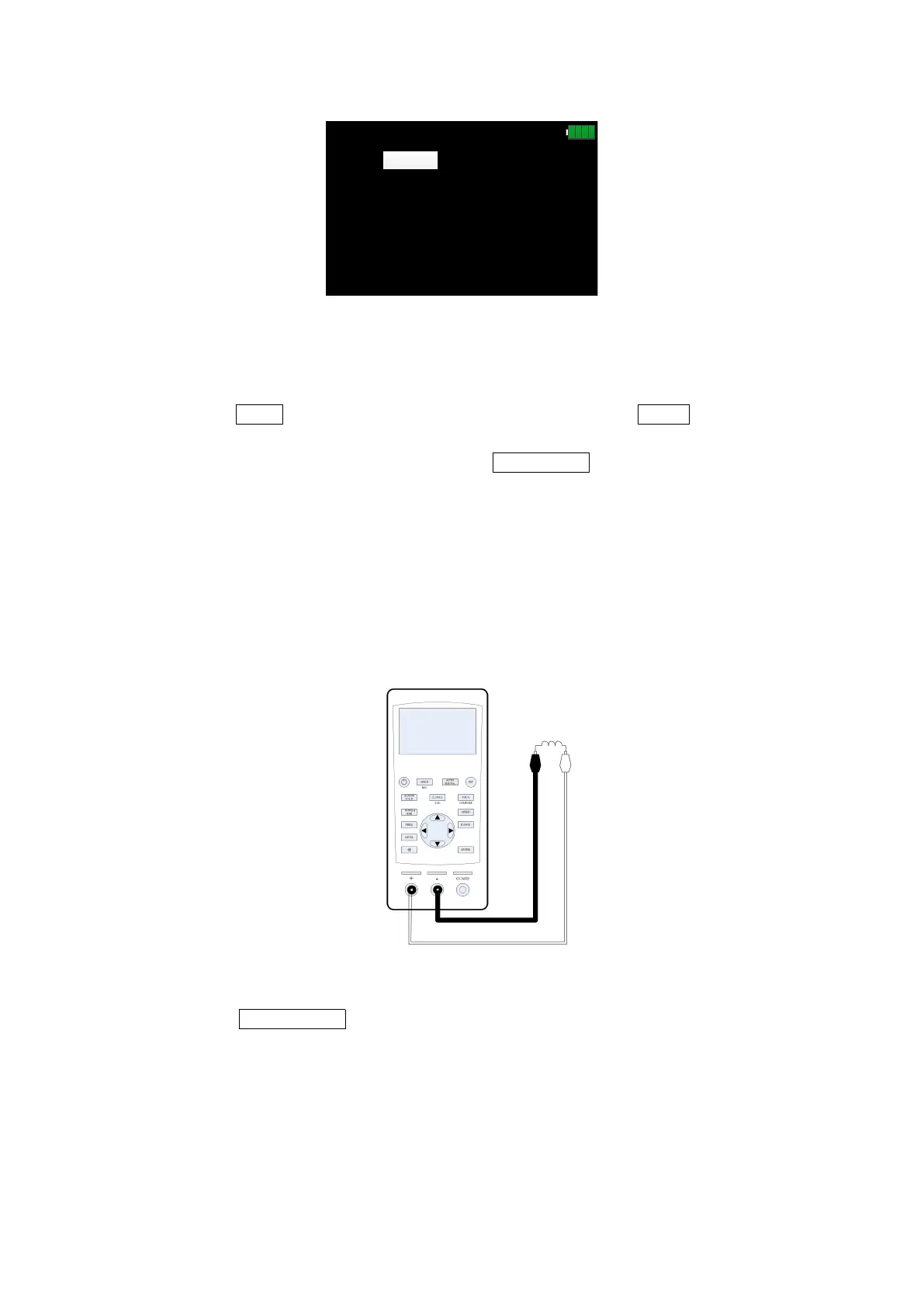
-|(-
pF
MEAS DISP
-263.12
-0.4172
Bias:
0mV
Level: 600mVFreq: 1kHz
Range:AUTO
D
USB
SLOW
*
1kHz
Cs
pF
Figure 18
3. Insert the capacitor into the test notch, or choose the appropriate test accessories
(rubber plug - alligator clip, Kelvin test fixture, etc.) and connect it with the measured
capacitor;
4. Press the FREQ key to select the desired test frequency, press LEVEL to select the
desired level;
5. To select another secondary parameter, press X/D/Q/θ/ESR
6. Read the measurement results from the screen.
Note: the capacitor or capacitive device must be fully discharged
before the test; the capacitor with large capacity may need longer time to
discharge. If the capacitive device not fully discharged is connected, it
can damage the components inside the instrument.
6.3 Inductance measurement
See figure 19 for the connection test.
Figure 19
1. Long press the power key to start the instrument;
2. Press the AUTO/R/C/L/Z key until Ls is displayed on the interface which means to
select inductance measurement, shown in figure 20;


 To Next Page