EW-5010A OPERATION MANUAL
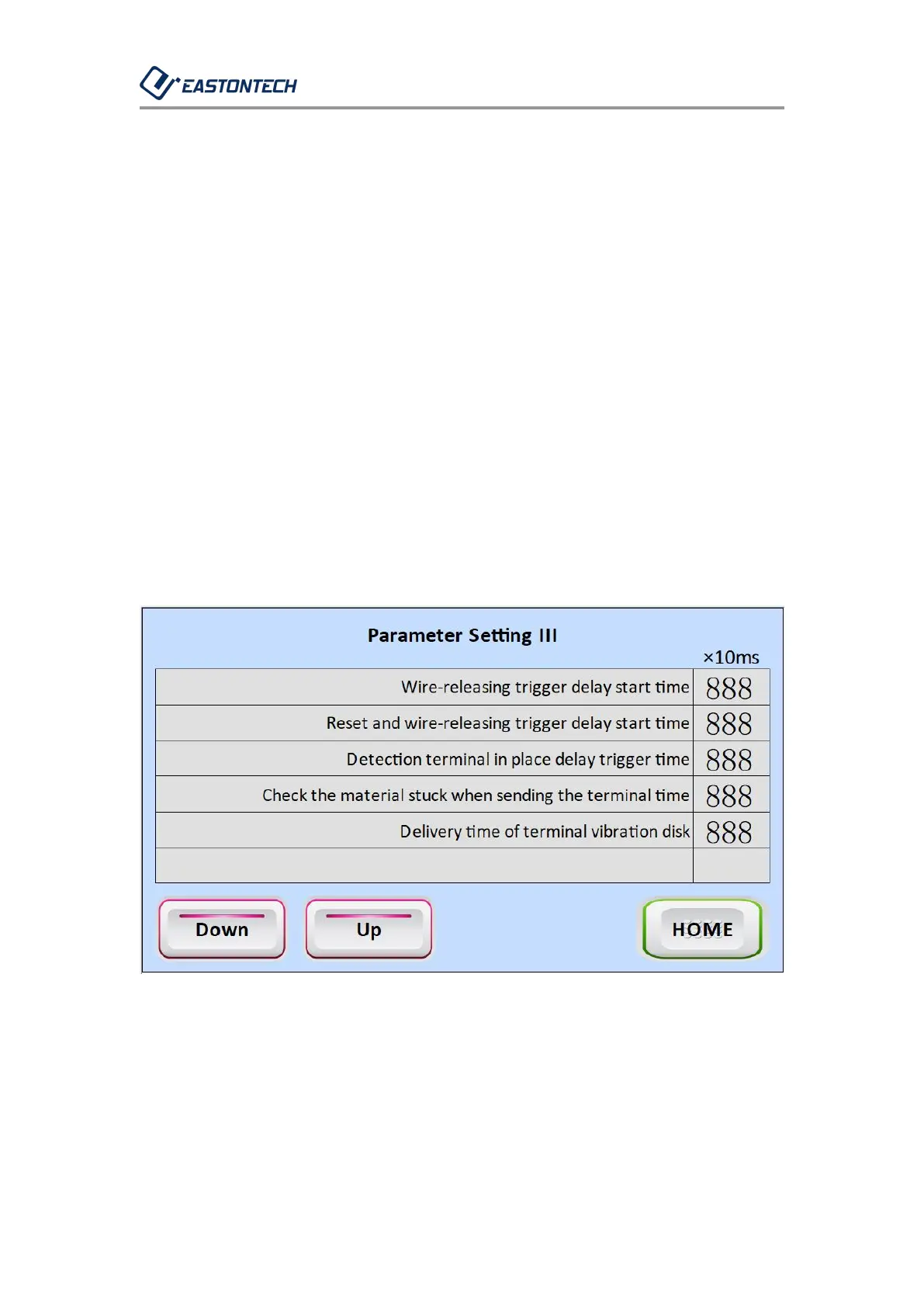
1-4-4. Enter this interface: main screen → parameter setting → next
page.
1-4-5. The above setting time is the time between sequence, setting
value × 10ms. Except for special cases, the above time does not need to
be modified.
1-4-6. If the feeding terminal is not smoothly fed into the terminal guide,
you can modify the "blowing terminal delay time" to observe the actual
situation.
1-4-7. Main screen: Return to the main interface.



 To Next Page