EasyIO FS20 – Installation Guide v1.0
13
Step 4
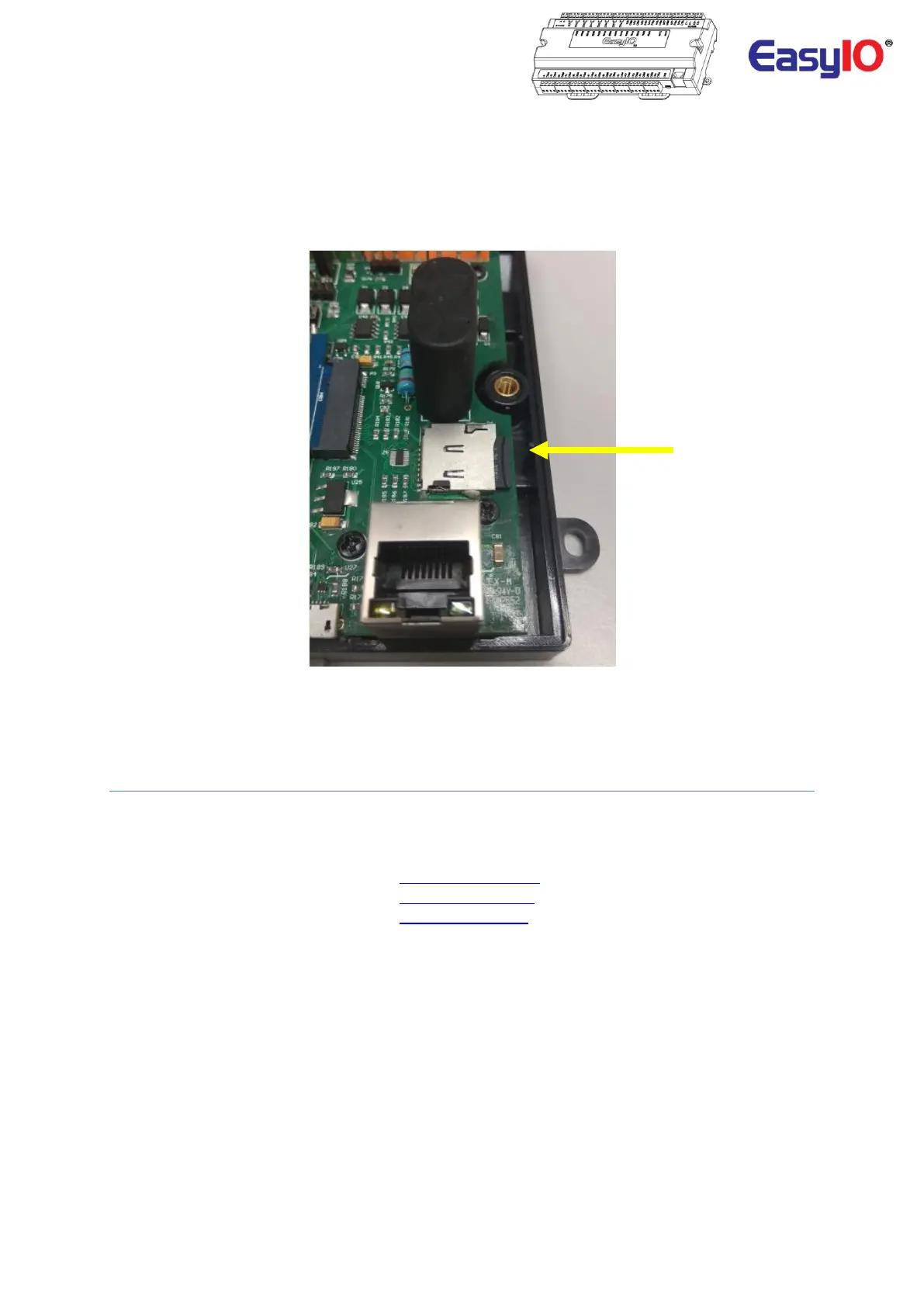
To remove the micro SD card , push the micro SD card in towards the holder until you hear a click sound.
The micro SD card will eject.
Then slide the micro Card out.
Technical Support
For technical issue, please contact respective region support channel.
Worldwide and Asia Pacific Support : support@easyio.com
Americas Support : support@easyio.pro
Europe Support : support@easyio.eu



 To Previous Page