EasyIO FS20 – Installation Guide v1.0
10
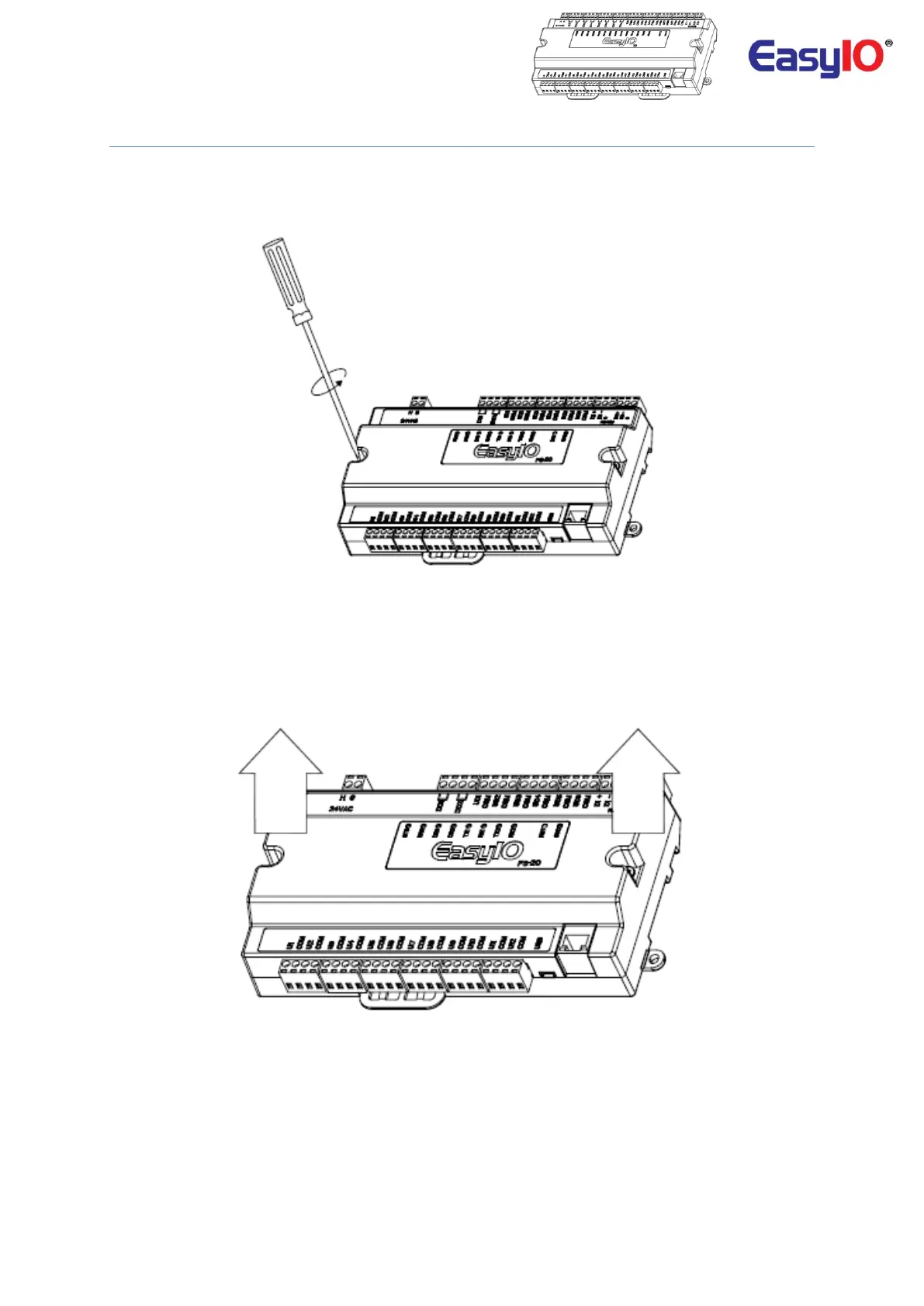
Opening the Top Cover
Step 1
Use a Philips screwdriver to unscrew the 2 Philips screw located on top the top cover.
Remove the 2 Button HeadPhilips screws
Step 2
Hold both end of the top cover to lift up the top cover. Occasionally a small flat head screw driver might
come handy in case the top cover stuck to the bottom cover.
Hold both sides and lift up the top cover



 To Next Page