18
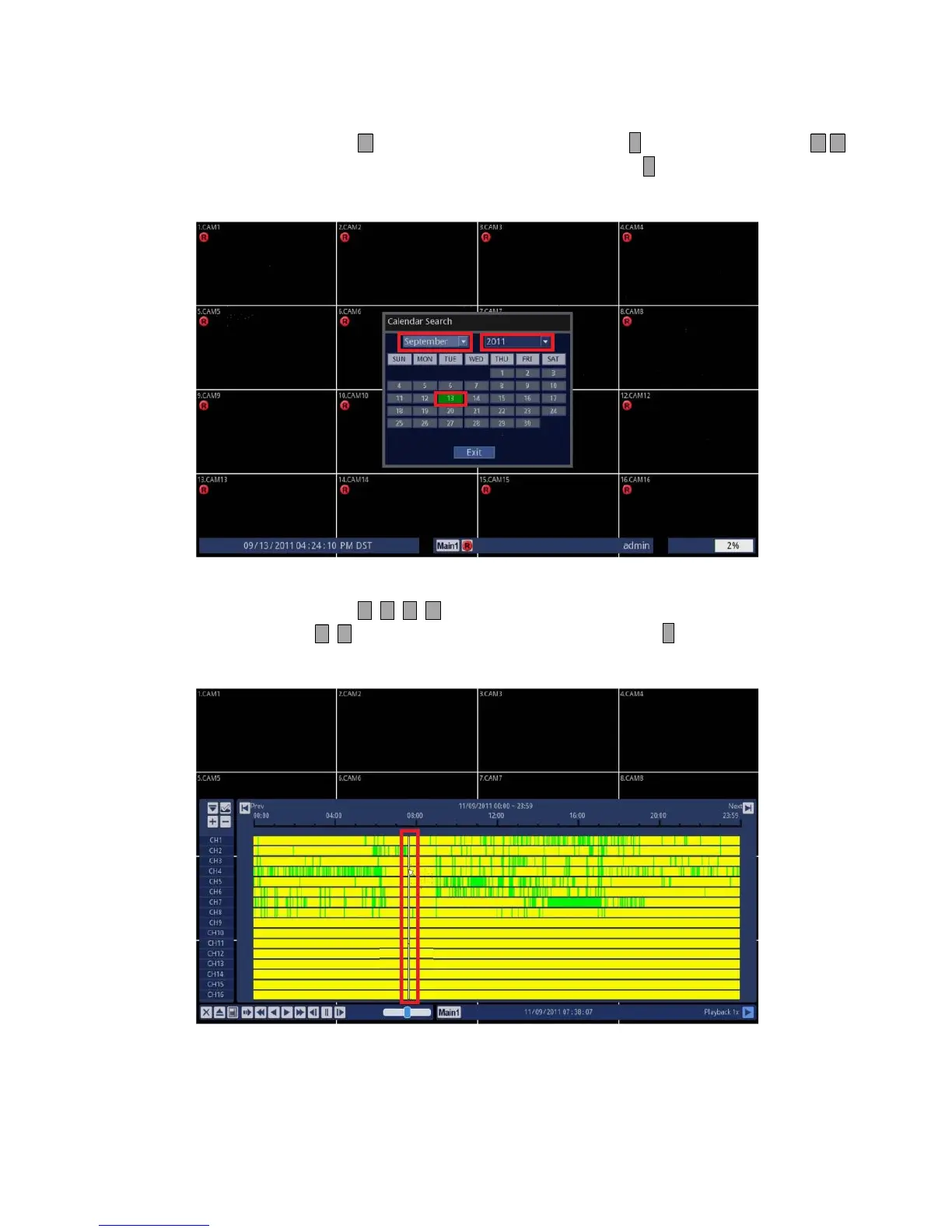
3.Select Year, then Month, and Finally the day of the month.
• Using Front Panel/Remote: Press button to highlight Month and press ↵ button. Use and press
buttons to select your desired month and press ↵ button to exit. Use the same
method for year and day.
• Using Mouse: Click on either the Year/Date or Day and change to the desired value.
4.Select your desired time of the day.
• Using Front Panel/Remote: Press buttons to highlight the time of the day. Then, use and press
button to select your desired time and press ↵ button. Your desired video
will start playing.
• Using Mouse: Click on the desired time of the day. Your desired video will start playing.



 To Next Page