6
QUICK RECORD SETUP
In GLOBAL RECORD under QUICK SETUP, you can set recording parameters that applies to entire cameras.
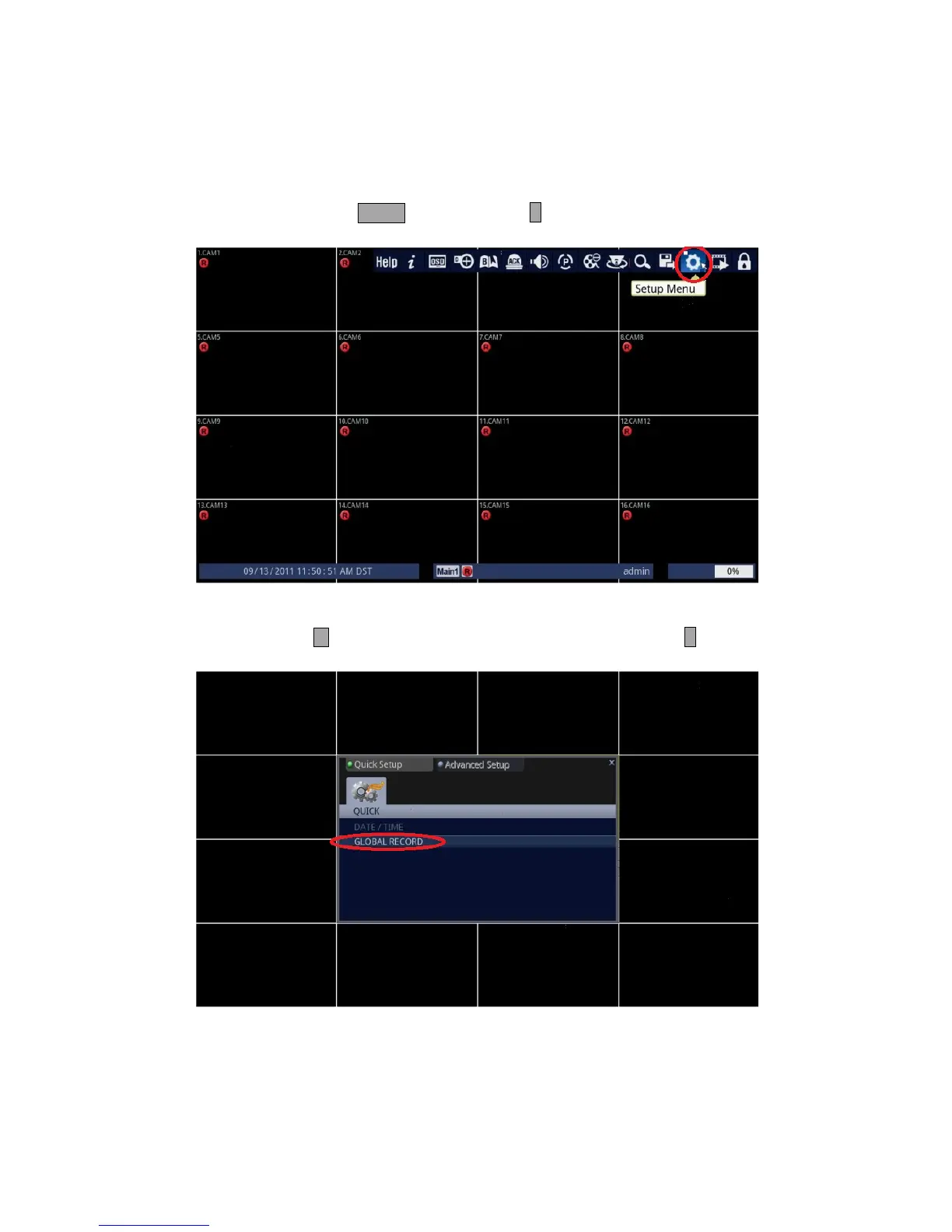
1. Follow the instructions below.
• Using Front Panel/Remote: Press MENU button and press ↵ button.
• Using Mouse: Click on the [Setup Menu] icon.
2. Access the GLOBAL RECORD sub-menu.
• Front Panel/Remote: Press button to highlight [GLOBAL RECORD], and press ↵ button.
• Mouse: Click on the [GLOBAL RECORD] line under the Quick Setup Tab.



 To Next Page