5
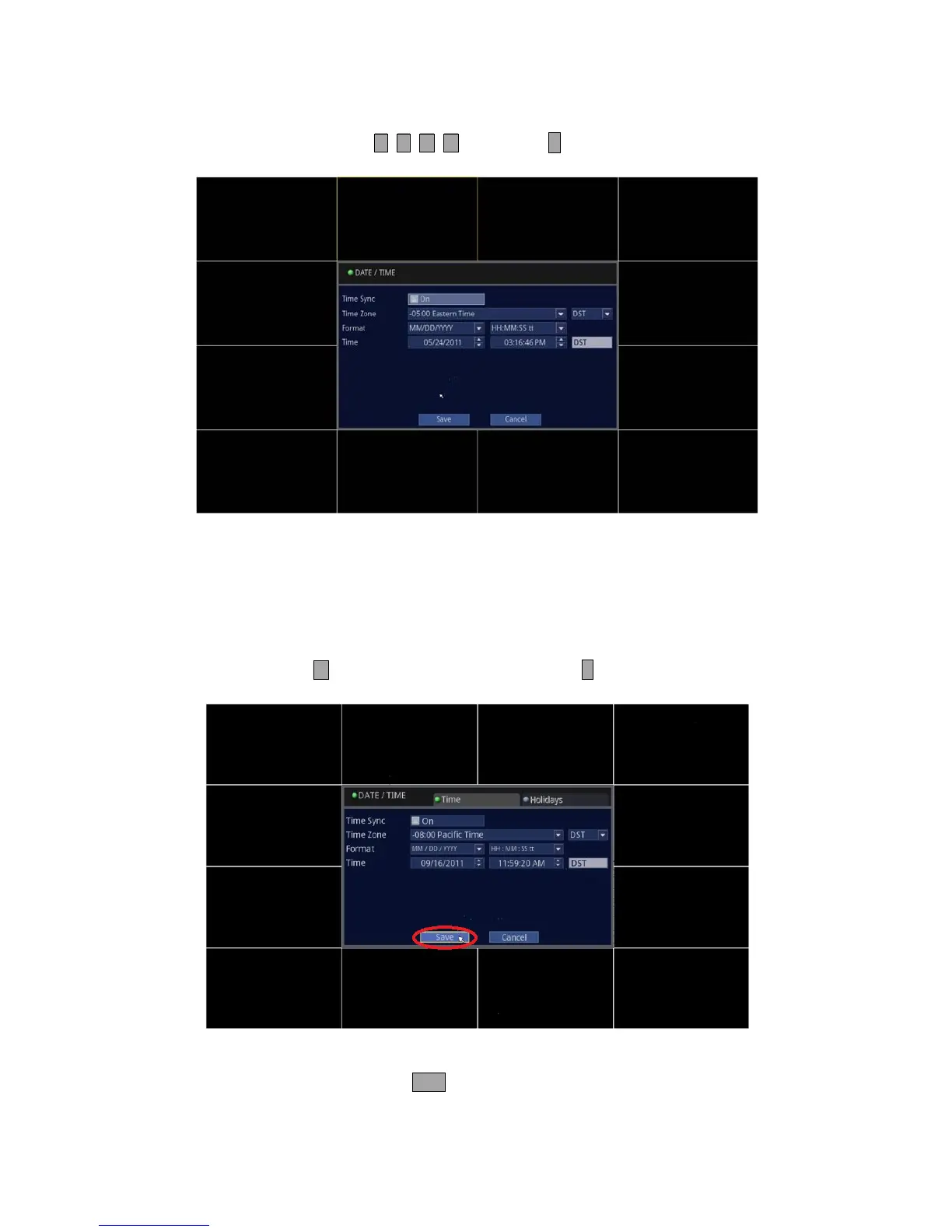
3. Change to the desired value.
• Front Panel/Remote: Use and press buttons and ↵ button to modify to desired value.
• Mouse: Click on the desired value and modify.
Time Sync: When checked, it will synchronize the DVR’s time to its regional NTP (Network Time Server) if an active
internet connection is maintained.
Time Zone: Select appropriate Time Zone for your location.
Format: Allows the format and display of DATE/ Time to be customized.
Time: Set or modify the Date and Time.
4. Save the changes.
• Front Panel/Remote: Press button to highlight [Save] and press ↵ button to save.
• Mouse: Click on [Save] to save.
5. To exit out to the Live screen.
• Front Panel/Remote: Press and hold onto ESC button for 2 seconds.
• Mouse: Right click on your mouse twice.



 To Next Page