17
HOW TO SEARCH FOR VIDEO USING “CALENDAR SEARCH” METHOD
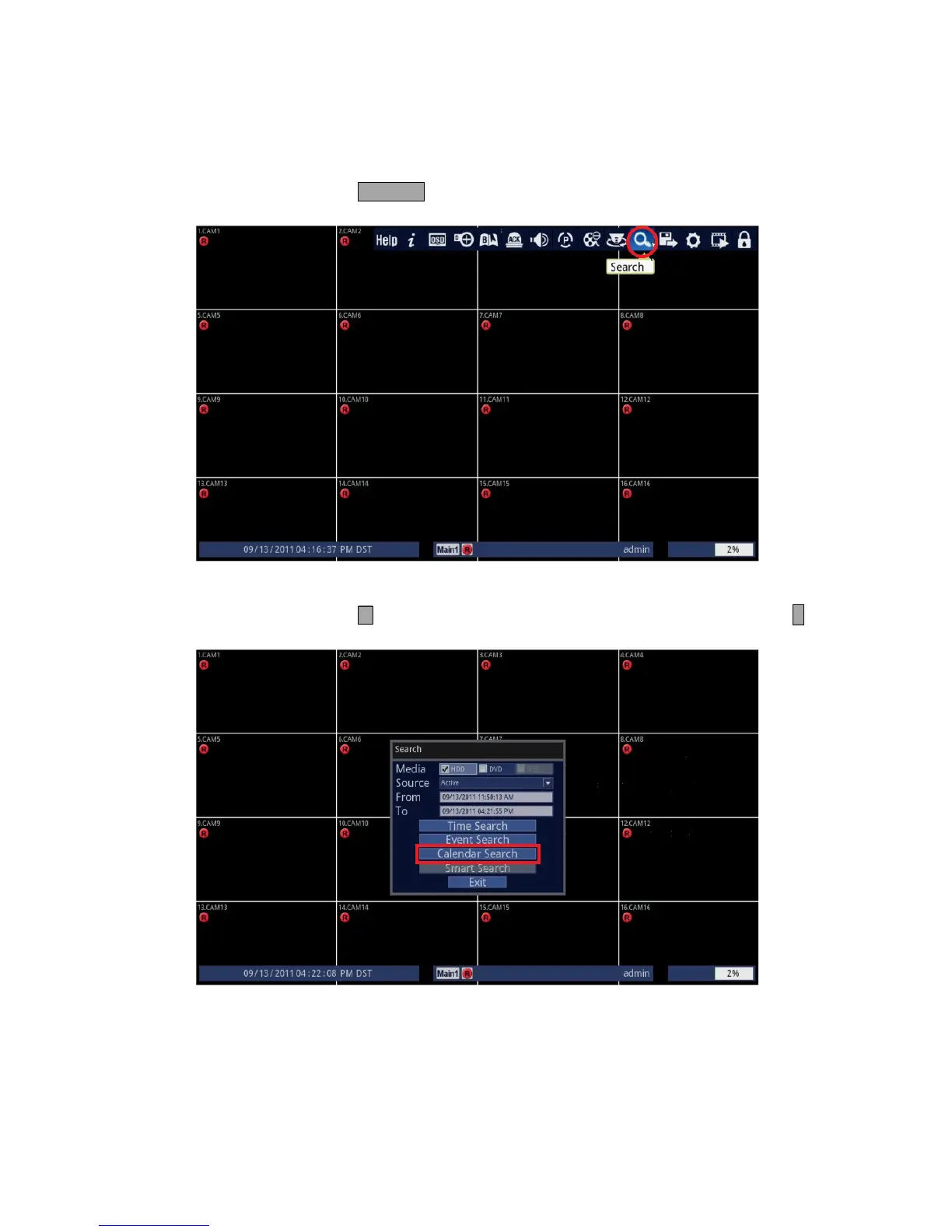
1. Follow the instructions below.
• Using Front Panel/Remote: Press SEARCH button.
• Using Mouse: Click on the [Search] icon.
2. Select Calendar Search.
• Using Front Panel/Remote: Press button three times to highlight [Calendar Search] and press ↵ button.
• Using Mouse: Click on the [Calendar Search] icon.



 To Next Page