24
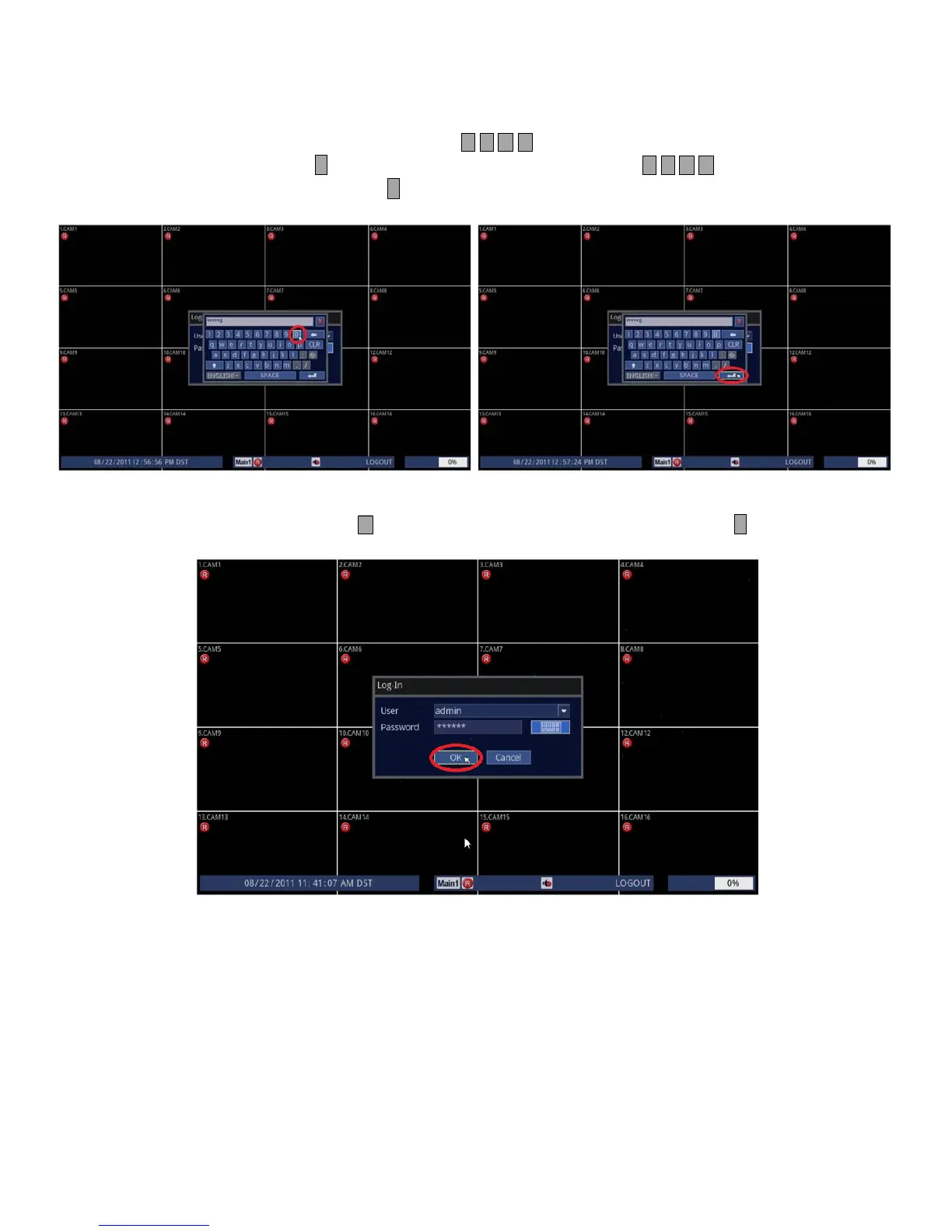
3. On screen keyboard should now appear. The default admin password for the DVR is [0 0 0 0 0 0].
• Using Front Panel/Remote: Use and press either button repeatedly to highlight [0], then, press
↵ button six times. Finally use and press either button to highlight [↵]
and press ↵ button.
• Using Mouse: Highlight [0] and click six times, then, highlight [↵] and click.
4. Lastly, when you select [OK] you are now logged on as admin.
• Using Front Panel/Remote: Press button repeatedly until you highlight [OK] and press ↵ button.
• Using Mouse: Highlight [OK] and click.



 To Next Page