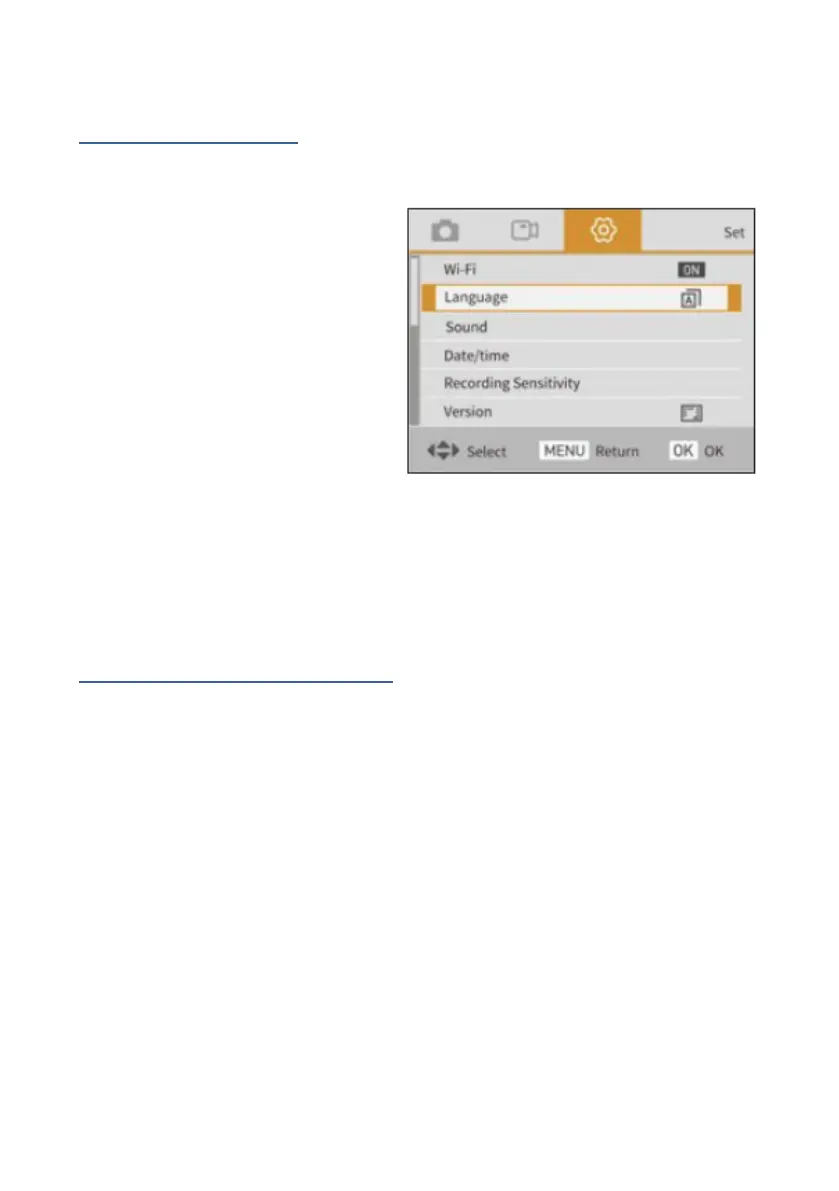
Step 4: Set language
1. Switch on the camera,
press the menu button to
enter the menu.
2. Press the right button
twice to open the system
settings.
3. Select the "Language"
option, use the up and down buttons to navigate to your
preferred language before confirming your selection with
the OK button.
Step 5: Set the date and time
1. Switch on the camera and open the system settings
menu by clicking on Menu and then pressing the right
button twice.
2. Select the "Set date" option to set the date and time and
confirm your selection with the OK button.
3. Use the up/down button to change the parameter
values and the left or right button to switch between the
parameters.















 To Next Page