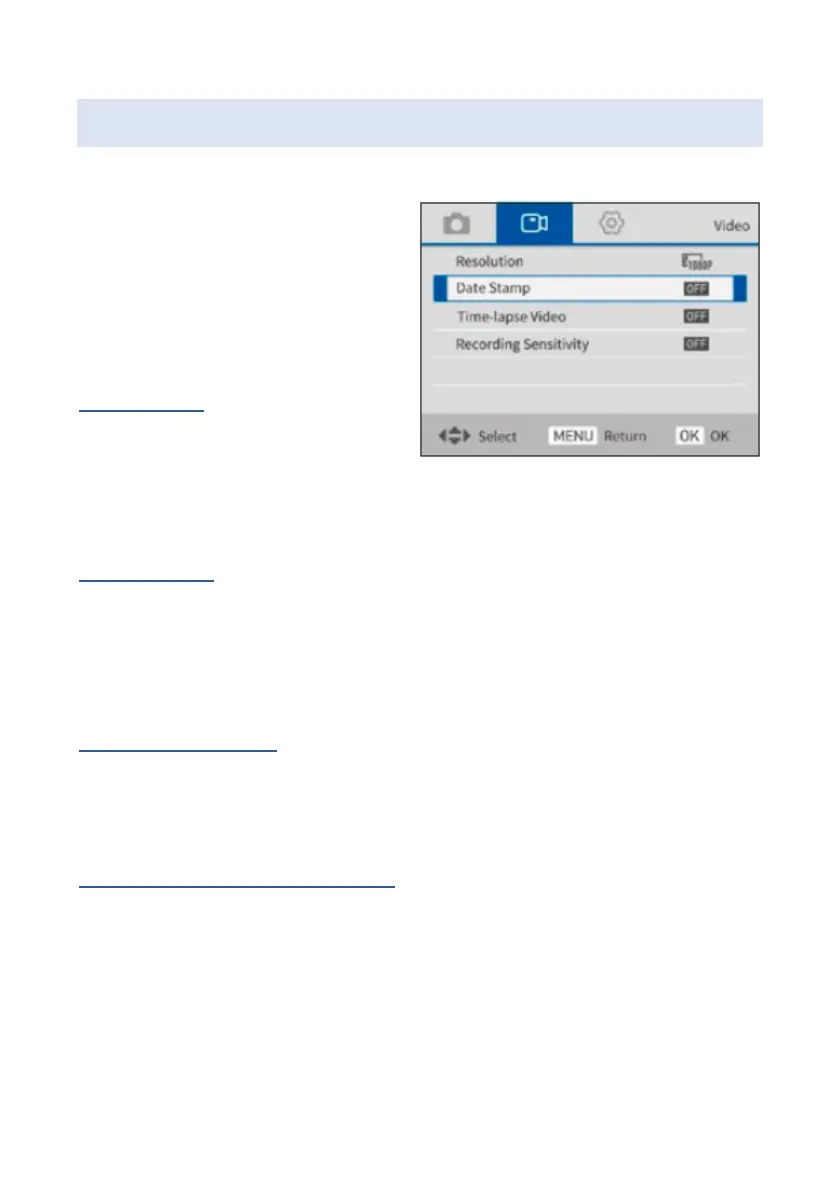
Video mode settings
The following settings are
available for video mode.
Resolution
Choose between 4K, 2K,
1080p with 60 fps, 1080p
with 30 fps or 720p with 60 fps resolution.
Date stamp
Turn on to date stamp your video recording.
Please note: The date stamp cannot be removed from
the image at a later date.
Time-lapse video
You can choose between Off, 1 second, 3 seconds
and 5 seconds.
Sound recording sensitivity
You can choose between soft, normal and hard.















 To Next Page