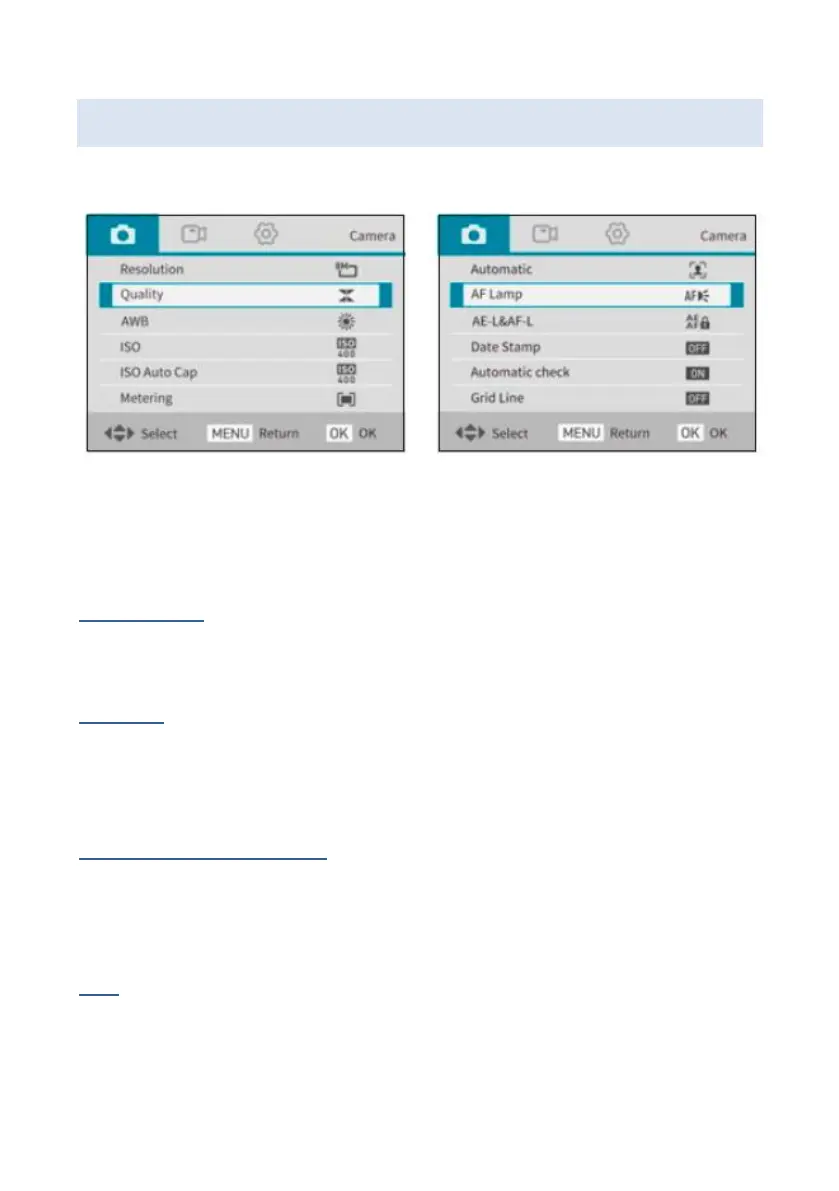
Photo mode settings
The following settings can be made for the photo modes.
Resolution
Set the resolution of the images.
Quality
You can choose between extra fine, fine and normal.
This setting is not available in filter mode.
AWB - White balance
Set the automatic white balance. This setting is not
available in scene, continuous, filter and automatic mode.
ISO
Set the ISO sensitivity to Auto, 100, 200, 400, 800,
1600 or 3200.















 To Next Page