Game Controllers
Thase settings help you configura tha gama controllers installed on
English
x
Pov
your computer.
Installed game controllaß
Controllar
ESM'013
Status
0K
ESM-YOIJProperties
Test Adjust Vibraton
Left Joystick Right Joystick
atton
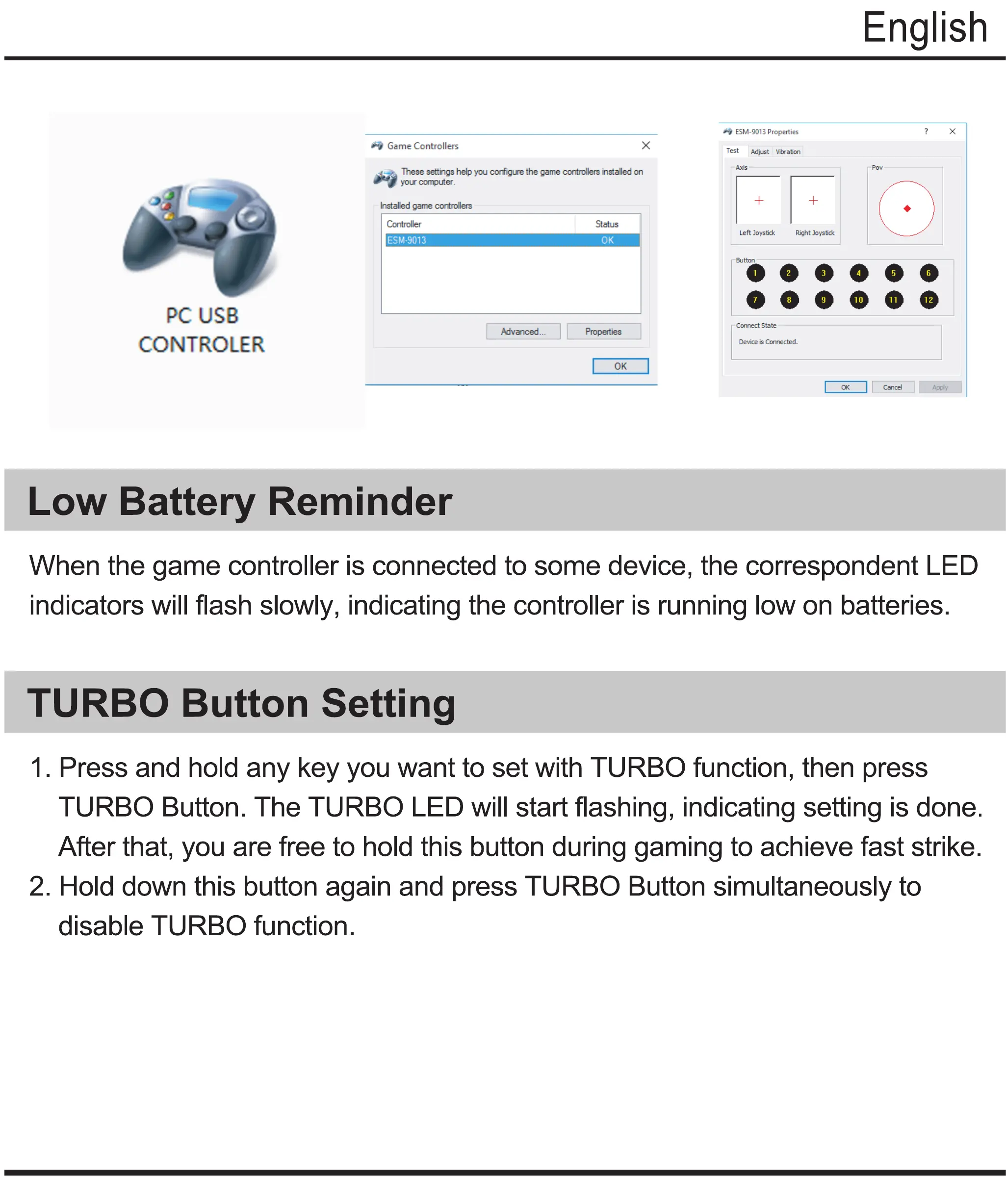
PC USB
CONTROLER
Low Battery Reminder
000000
ooo o o o
Connect State
Deviz is Connected.
Cancel
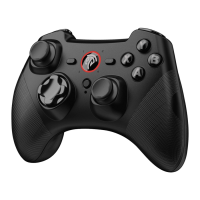
When the game controller is connected to some device, the correspondent LED
indicators will flash slowly, indicating the controller is running low on batteries.
TURBO Button Setting
1. Press and hold any key you want to set with TURBO function, then press
TURBO Button. The TURBO LED will start flashing, indicating setting is done.
After that, you are free to hold this button during gaming to achieve fast strike.
2. Hold down this button again and press TURBO Button simultaneously to
disable TURBO function.


 To Next Page