English
Button Test
Choose the mode you want to test
1. Insert the wireless adapter to the USB port to connect.
2. Click the "start" on the computer desktop and enter into "devices and printers".
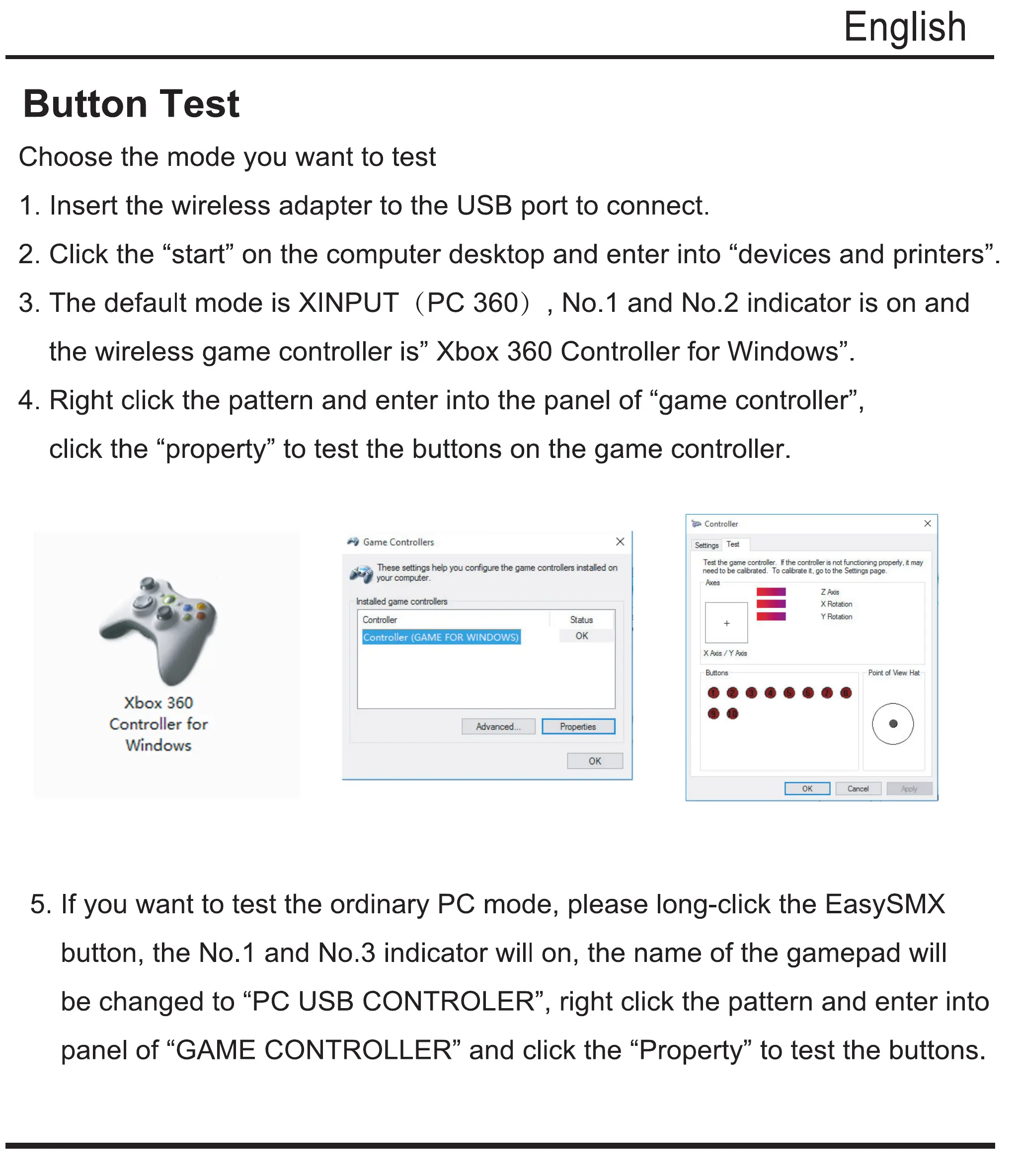
3. The default mode is XINPUT (PC 360) , No. 1 and No.2 indicator is on and
the wireless game controller is" Xbox 360 Controller for Windows".
4. Right click the pattern and enter into the panel of "game controller",
click the "property" to test the buttons on the game controller.
x
Game Controllers
x
These settings help you configure the gama controllers installed on
Controller
Settings Test
Test th2 gam2 controller. F the controller is not functioning property, it may
need to be calibrated. To calibrate goto the Settings page.
Xbox 360
Controller for
Windows
your computer.
Installed gama controllers
Controller
Controller (GAME FOR WINDOWS)
Ad vanced
Status
Properties
X AXIS / Y Axis
Buttons
z Axis
X Rotation
Y Rotation
- Faint of View Hat
eeoeeeee
Cancel
5. If you want to test the ordinary PC mode, please long-click the EasySMX
button, the No. 1 and No.3 indicator will on, the name of the gamepad will
be changed to "PC USB CONTROLER", right click the pattern and enter into
panel of "GAME CONTROLLER" and click the "Property" to test the buttons.


 To Next Page