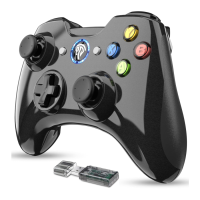
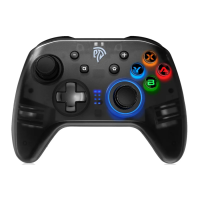
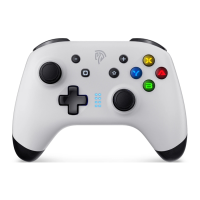
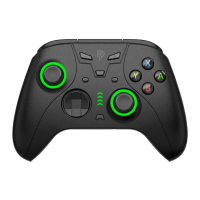
Specifications
Connection
Operating Range
Battery Capacity
Charging Time
Operating Life Time
Vibration
Operating Current
Compatibility
Power On/Off
2.4G Wireless Technology
10m (about 32.8ft)
600mAh
2 Hours
8 hours or more
Dual Vibration
Windows XP/Windows 10/Windows 7/Windows 8/PS3
1. Plug the receiver into your device and press the Home Button once to power on the game
controller.
2. The game controller cannot be powered off manually. To power off, unplug the receiver first and the
gamepad will power off if it stays unconnected for 30 seconds.
Note: The gamepad will shut down by itself in 5 minutes after it stays connected to some device
without any operation.
03


 To Next Page