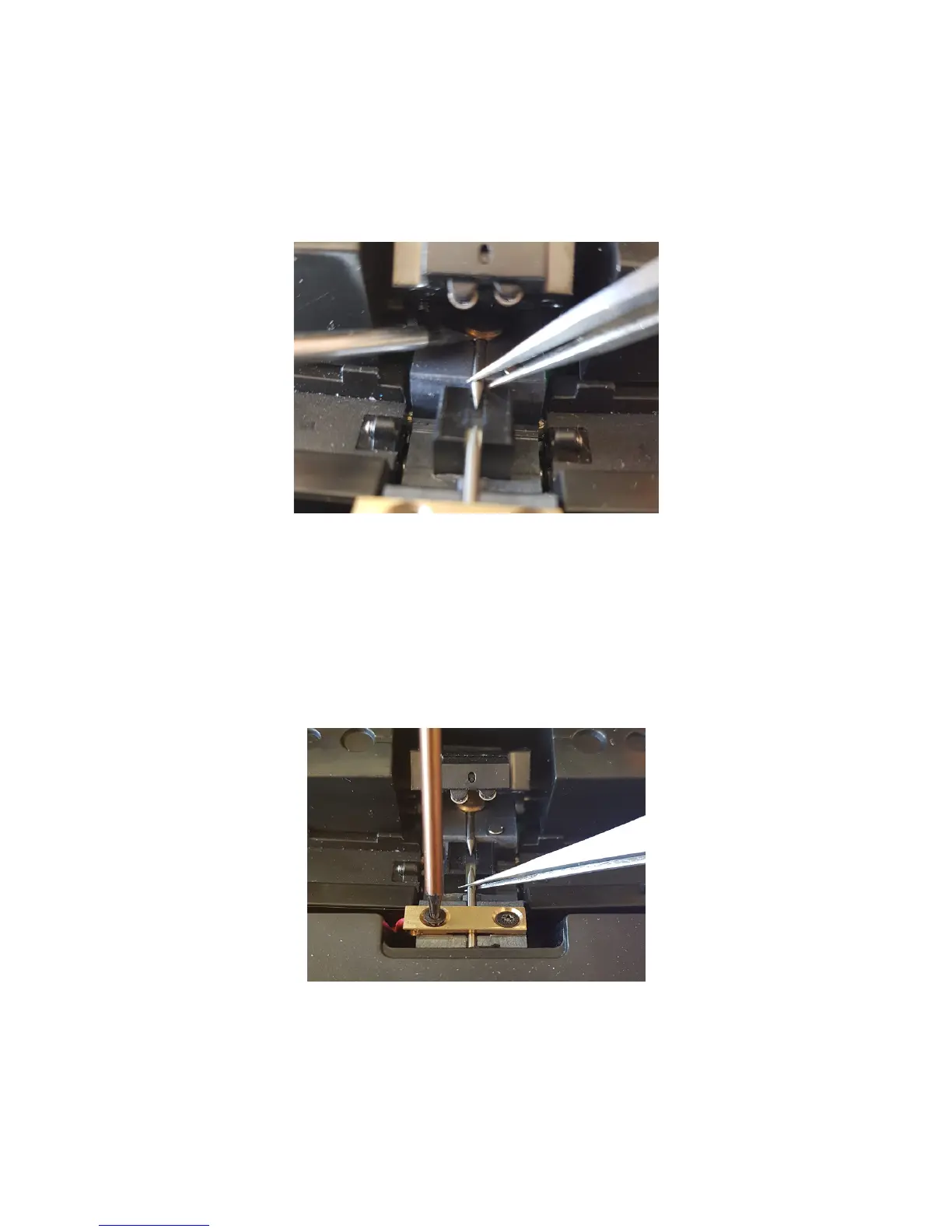
Changing and adjusting the electrodes
STEP 1.
Upper electrode.
Use a small flat screwdriver to lift the electrode lock (the circular brass
part).
While lifted use a pincer to carefully remove the old electrode. No
strength is required, be careful.
Keep the lock lifted with the screwdriver and insert the new electrode.
Lower electrode.
Loosen the two screws to loosen the electrode lock.
Replace the electrode with a pincer.
20


 To Next Page