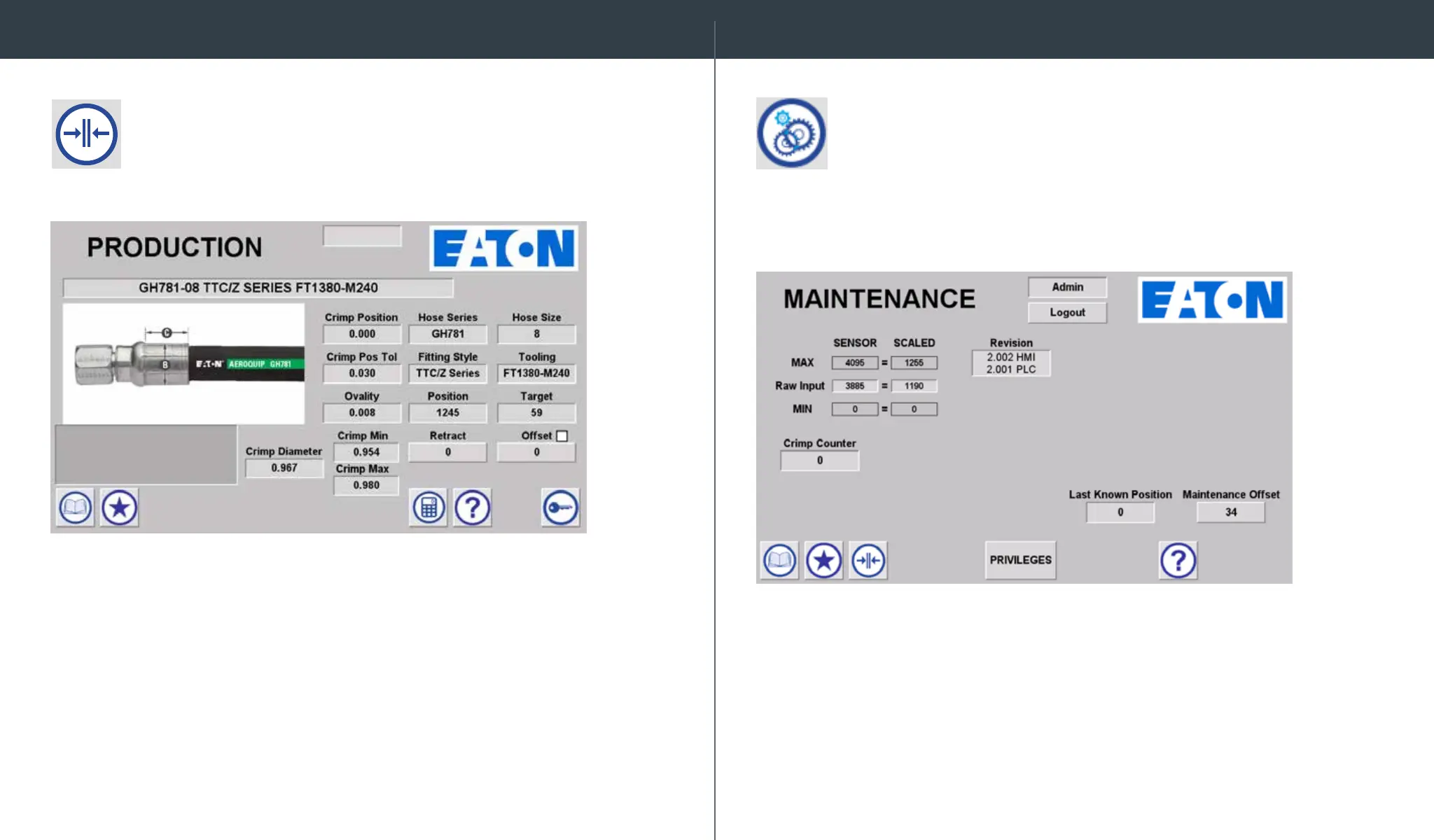
The Production Screen displays all the information required for
crimping and includes color assembly photos for core hose products
allowing for easy assembly verication.
If the CALIBRATION spec is loaded, a calculator icon will appear.
Select the calculator to enter calibration measurements following
the calibration procedure steps outlined in this manual.
Revision level for the HMI and PLC can be found under “Revision.”
The Maintenance Screen displays crimp machine calibration
information, revision level, and a crimp counter. Access to user privilege
settings can also be found on this screen. This screen is only accessible
when logged in as Admin.
The crimping procedure is performed from the Production Screen.
Production Screen Maintenance


 To Next Page