USERS MANUAL
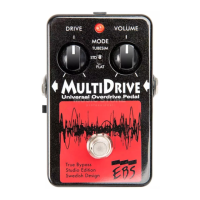
EBS MULTIDRIVE - STUDIO EDITION
www.ebssweden. com
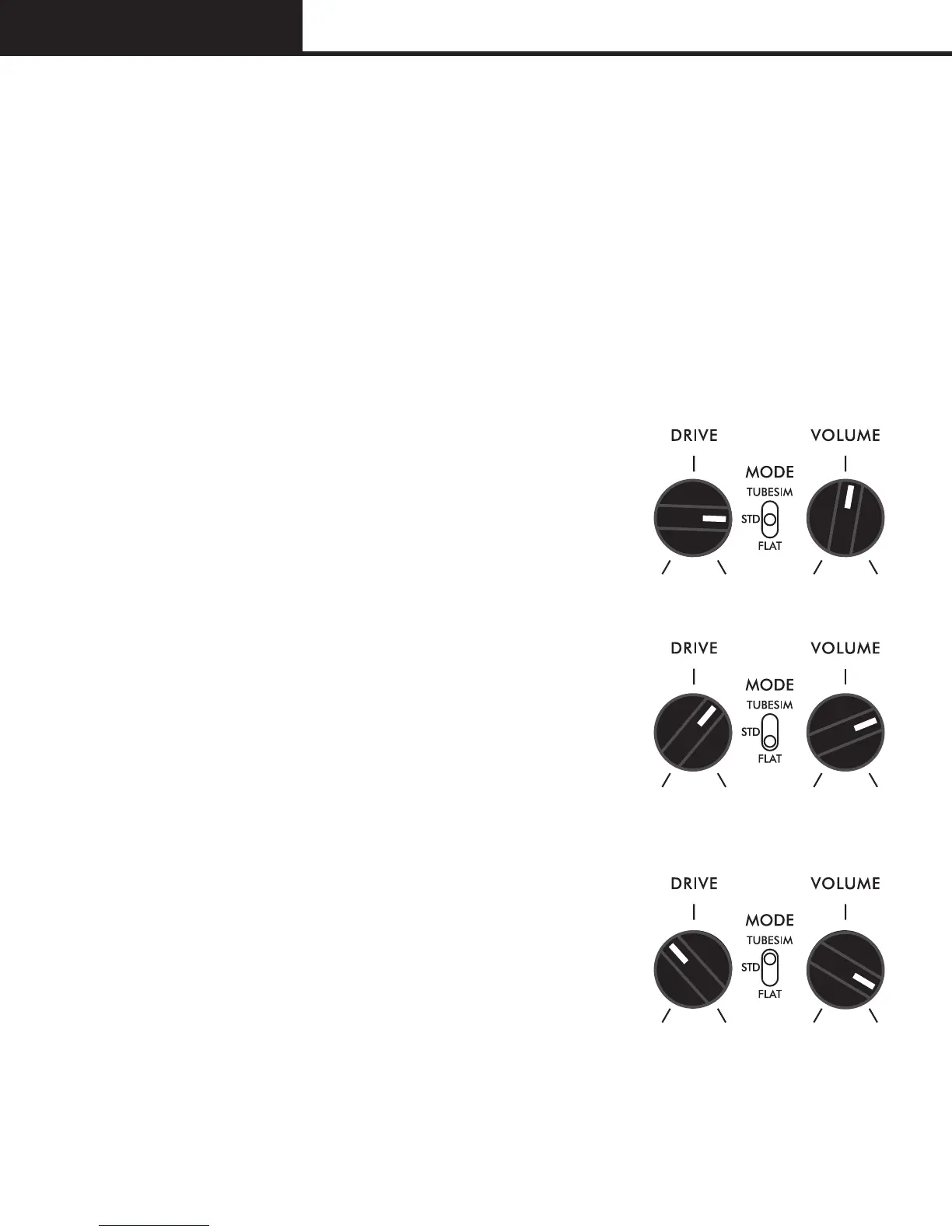
SAMPLE SOUND SETTINGS
The following examples below show a few of the many sonic
possibilities of the EBS MultiDrive.
STANDARD OVERDRIVE
This is an example of a standard overdrive
setting with a good clean edgy sound
together with untouched low end for better
definition. Use high setting for Drive and
compensate the level with the Volume.
TIGHT DISTORTION
This is the fullrange distortion mode, useful for
affecting the overall sound. This mode gives
less low end with harder compression and
gives the possibility to create fuzz-like sound
when tweaking the Drive. Use a moderate
setting for Drive for normal operation.
SMOOTH TUBE SOUND
The tubesim mode activates the second tube
simulator giving higher compression, less
attack and tube-like sounds. This position
is useful for edging up your sound while
obtaining the warmth and body of the
classical vintage tubes.


 To Next Page