6
7
11
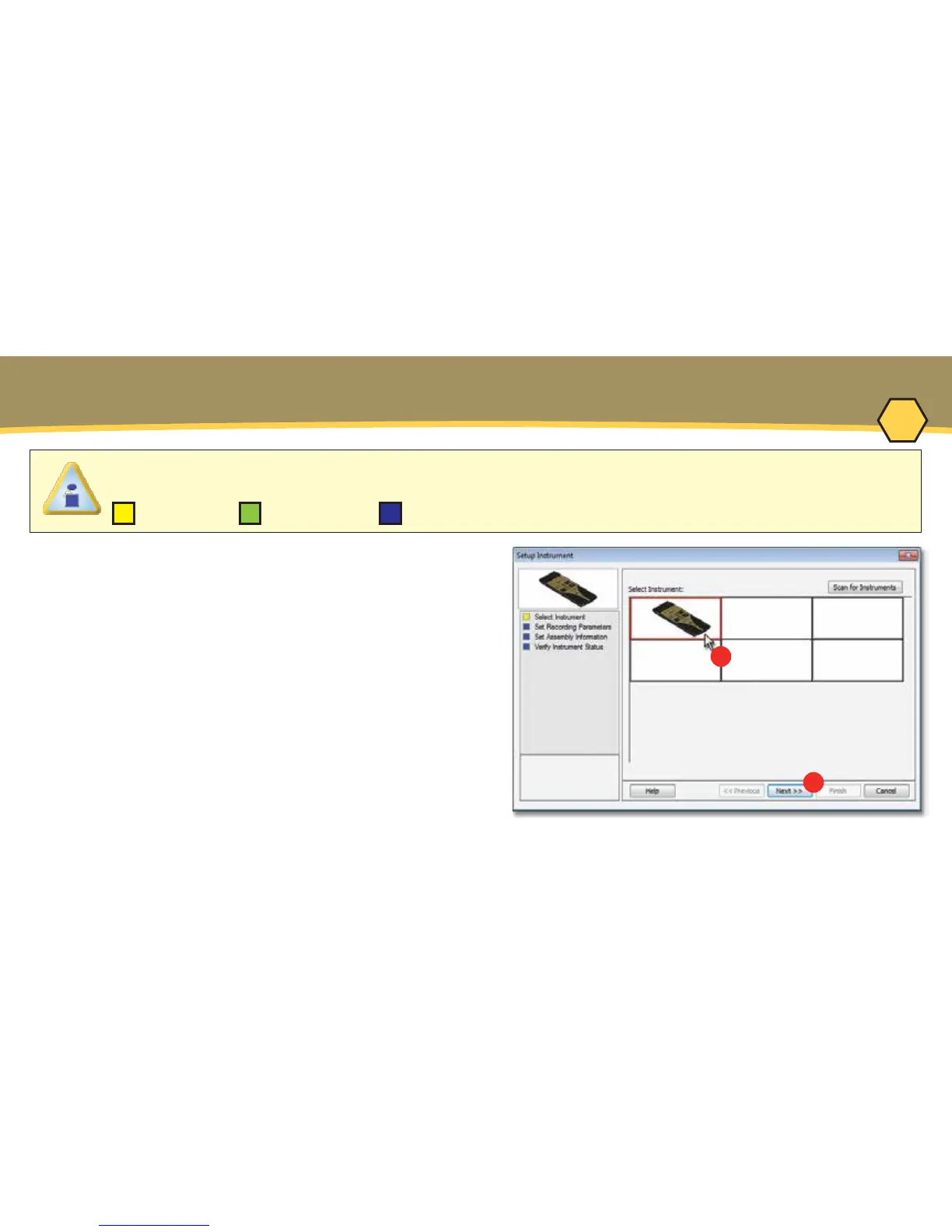
When navigating through the wizard, the step list on the left of the dialog box uses a color key to
inform the user of the progression through the wizard.
Completed RemainingCurrent
OPERATION - SETUP INSTRUMENT
5. On the M.O.L.E.
®
menu, select Setup
Instrument and the workflow wizard appears.
6. Select the desired M.O.L.E.
®
Thermal
Profiler from the dialog box. If a M.O.L.E.
®
Thermal Profiler has already been selected
during a different process, the software
automatically selects the M.O.L.E.
®
Thermal
Profiler connected to the COM port previously
used.
7. Click the Next command button.



 To Next Page