9
8
11
10
10
12
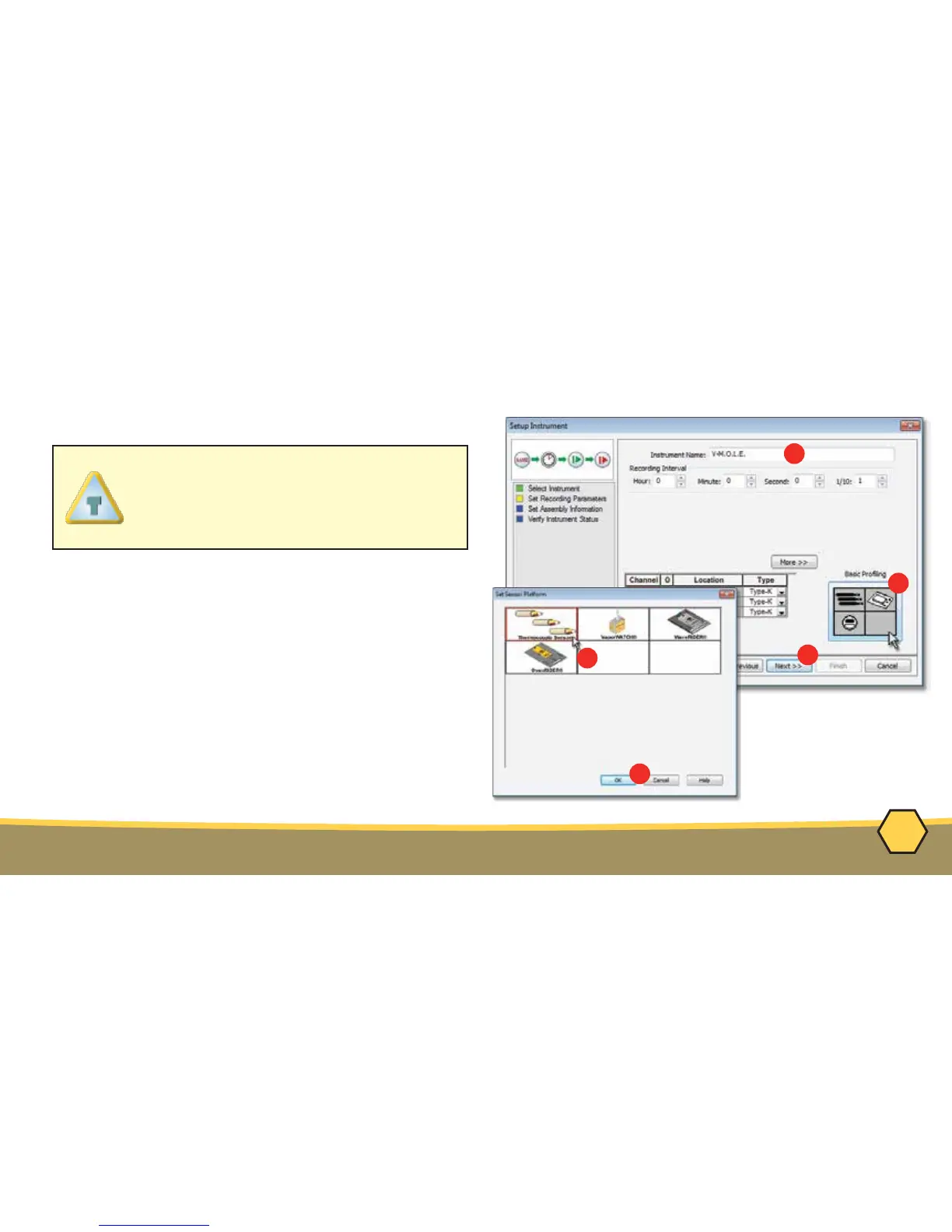
OPERATION - SETUP INSTRUMENT
8. Set the Instrument Name.
9. Select the Sensor Platform button.
10. Select the desired sensor type then the
OK command button to proceed.
11. Confirm the settings and then, select the
Next command button to send the data
listed in the dialog box to the instrument.
For settings such as Start Parame-
ters and Stop Parameters, select the
More>> command button.



 To Next Page