Section 5
Operation
Page 5 - 10 EchoStar DSB-707 FTA
© 2001 EchoStar International Corporation
All rights reserved
3. TO USE THE ELECTRONIC PROGRAM GUIDE (EPG)
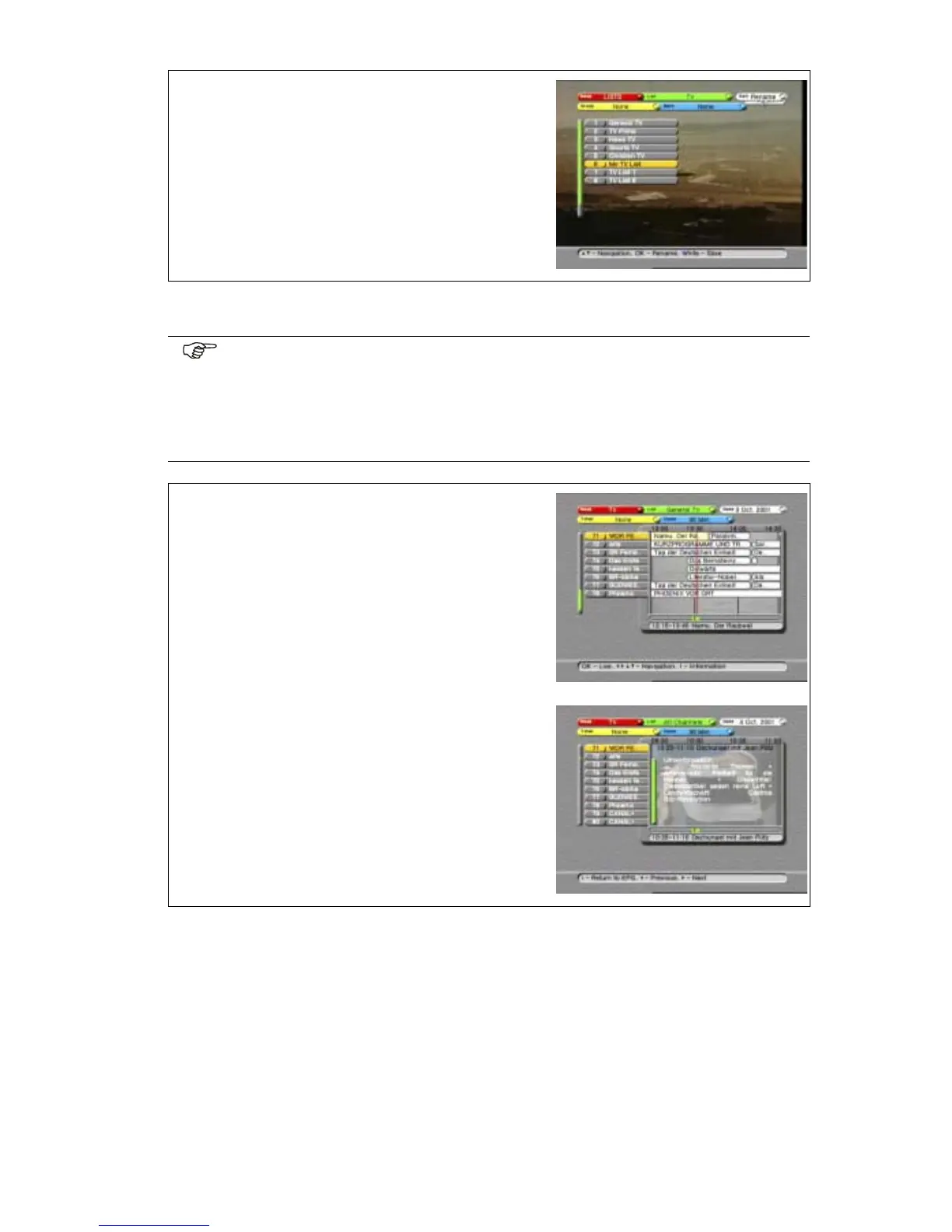
9. Either:
a. press the WHITE key to end the session, or
b. select the next favorite list you want to
rename.
NOTE
The EPG information is not always available. Sometimes the service provider (who
sends the EPG information) supplies only the program name, the now/next infor-
mation or sometimes nothing at all. EchoStar has no influence on this matter.
Make sure the local time is set otherwise you cannot view EPG information
because it needs the correct time (Refer to the Local Time menu).
1. Use the EPG key to access the main EPG menu.
2. Allow the receiver to collect the EPG information
for the selected channel.
3. Read the available help text for information.
4. Use the keys to select a channel.
5. Use the keys to select the programs.
6. Use the i-key to shift between detailed program
information and the main EPG menu.
7. Use the OK key to view the selected channel.












 To Next Page