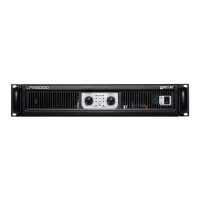
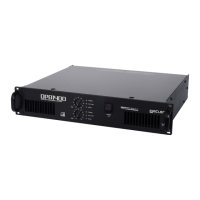
Shows the current amplifier OUTPUT MODE
(MONO/STEREO/BRIDGE)
Shows the current active INPUT(s)
Shows the current MUTE status
Shows the current MASTER VOLUME
Shows the current LINE1 VOLUME
Shows the current LINE2 VOLUME
Shows the current MICRO VOLUME
Shows the current LINE1 BASS LEVEL
Shows the current LINE2 BASS LEVEL
Shows the current MICRO BASS LEVEL
Shows the current LINE1 TREBLE LEVEL
Shows the current LINE2 TREBLE LEVEL
Shows the current MICRO TREBLE LEVEL
Shows the current NOISE GATE ON/OFF status
Shows the current NOISE GATE THRESHOLD LEVEL
Shows the current TALKOVER ON/OFF status
Shows the current TALKOVER THRESHOLD LEVEL
Shows the current TALKOVER ATTACK TIME
Shows the current TALKOVER RELEASE TIME
Shows the current TALKOVER DEPTH (attenuation)
Shows the current REMOTE ON/OFF status
Shows de current REMOTE SELECTOR function
Shows the current STANSBY ON/OFF status
Shows the current AUTOLOAD_PRESET1 at Startup function
Shows the current PANEL_ LOCKED (front knob) status
Shows the current Firmware Version


 To Next Page