-
11
-
-
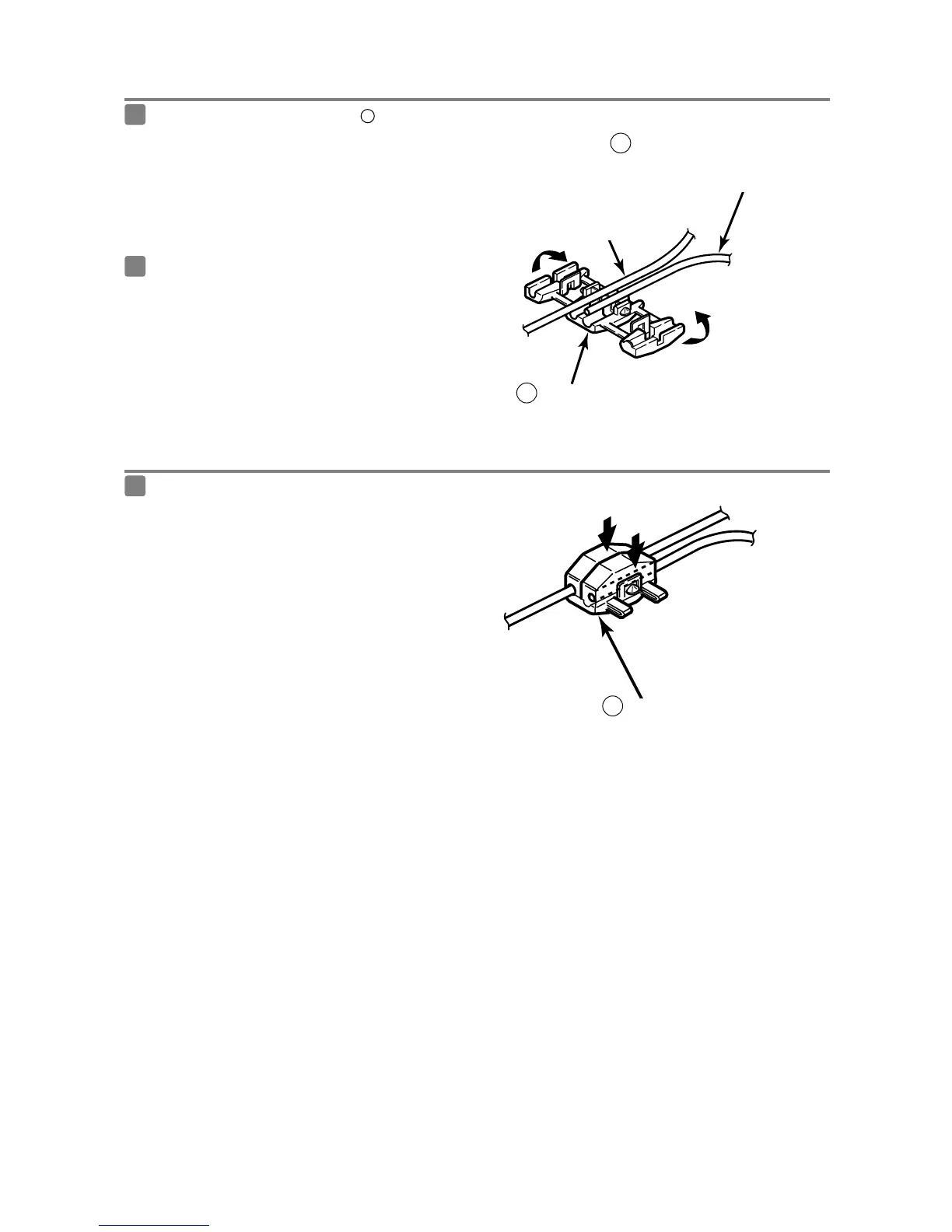
Using the splicing connector
-
Insert the connection cable [vehicle speed
pulse signal cable (purple/white), parking brake
cable (red/white) or reverse cable (green)] and
the vehicle cable into the splicing connector.
1
Push in the terminal (the metal part) of the
splicing connector using a pair of pliers.
2
Harness in the car
Vehicle speed pulse signal cable
(purple/white), parking brake cable
(red/white) or reverse cable (green)
4
Interconnecting cable
Splicing connector
9
Press down the cover of the splicing connector
and squeeze it until it locks.
3
Lock
Splicing connector
9



 To Next Page