39
English
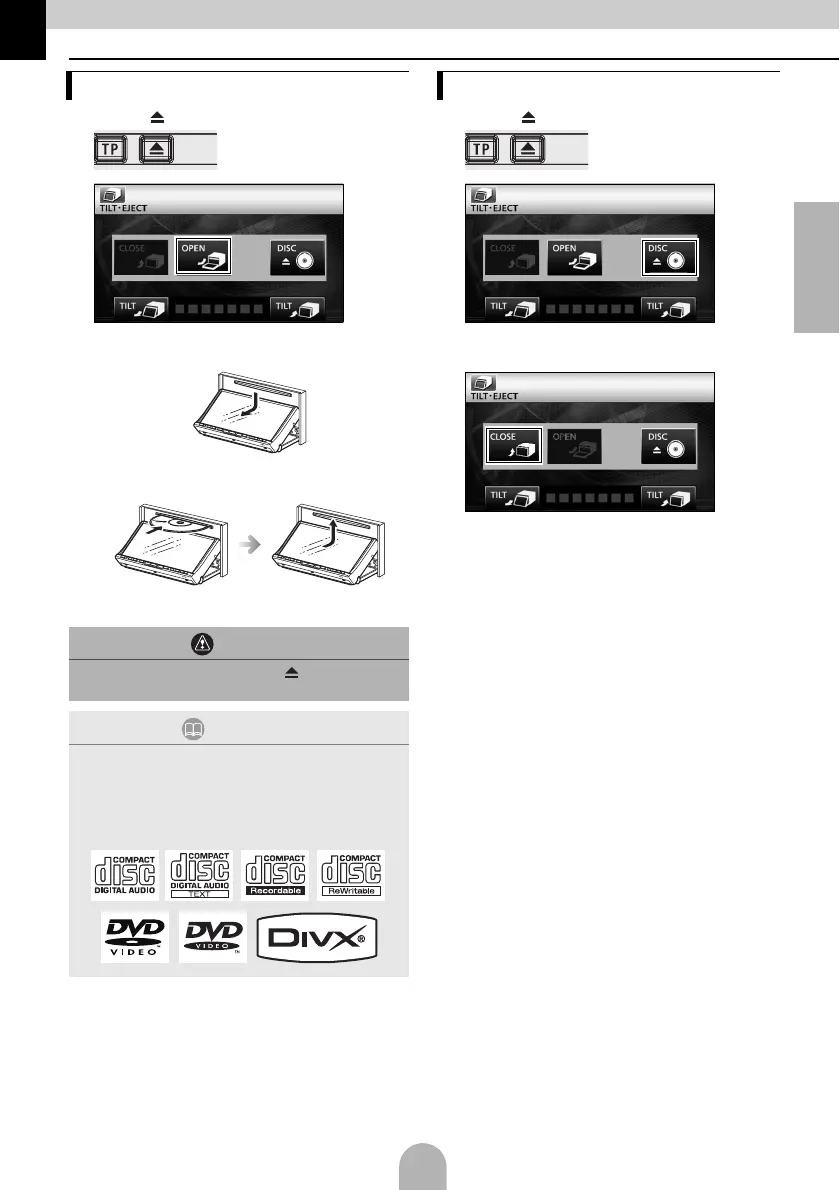
6. Removing and inserting discs
aPress [ ].
b
● The display opens and the disc slots become
accessible.
cInsert the desired disc into the slot.
● Playback will begin.
aPress [ ].
b
● The display will open and the disc is ejected.
cAfter removing the disc, touch [CLOSE].
How to insert a disc
CAUTION
Do not touch [CLOSE] or press [ ] while a disc is
being inserted.
ATTENTION
Discs that can be used
An audio disc or DVD video disc bearing one of the
marks below can be played. When using a DVD±R/
RW (DVD±Recordable/ReWritable) disc, note that
only the disc whose contents were recorded in the
video mode can be played.
How to remove a disc



 To Next Page